There are still some places left on the Winter 2018 – Digital Studio Tools course at the University of Regina. This online class for both undergraduates and continuing education students is a great intro into the world of digital design, photographic retouching, illustration & painting.
This online studio course explores the creative opportunities available when working digitally in the areas of fine art, illustration and graphic design. Throughout this course students will work towards the production of a portfolio of digital works that will include digital painting, digital collage, vector illustrations, typography, layout design and photographic manipulations. Modules will include introductory and intermediate skills in Adobe Photoshop, Adobe Illustrator, and Adobe InDesign as well as learning how to incorporate scanned artwork or photography into works for both print and screen.
I will be in Nanaimo & Tofino from 2nd to 6th December and have some times available for one-to-one or small group in-house training sessions & support forFinal Cut Pro X.
If this is something you are interested in and would like to find out more then then drop me an e-mail – design@benhalsall.com .
This is a great opportunity if you need support for your video project or would like a face-to-face introduction to Final Cut Pro X.
I can run workshops and training at an introductory or advanced level as well as
Availability:
Saturday 2nd December – Nanaimo (pm) Sunday 3rd December – Nanaimo (am), Tofino (pm) Monday 4th December – Tofino Tuesday 5th December – Tofino Wednesday 6th December – Tofino (am), Nanaimo (pm)
How much time do I need to book?
I normally recommend a 2 hour session as a minimum time for those looking to cover topics in Final Cut Pro X.
This is enough time to give a good overview of how to capture, edit and export and along with some free video resources that I will supply post-class, as well as a full video recording of the session, you will get great value from even a short amount of training.
Rates
$80/hr + taxes for groups of 1 to 3 people
When will I next be in Nanaimo or Victoria?
If these times don’t fit then don’t worry I regularly travel to Vancouver Island and am happy to schedule in some training time. Just get in touch and we can set something up.
Looking for something free to get you started?
If you are looking for some free online introductions (or would like to check out my teaching style before you book) then I have an extensive set of videos that will help you to get started with Final Cut Pro X on my YouTube channel or just by hitting play below.
I also have a more in-depth class on Skillshare that will give you a full overview of how to edit as well as project management, adding effects and more. Check this out here – http://skl.sh/2uHlK8J .
If you’d like a flavour of that to expect from the Skillshare class check out the reviews below.
If you have any questions about Final Cut Pro X then just leave a comment below. If you found the tutorial too fast then don’t worry you can ask any question below and I will do my best to help or you can view one of the full classes I mention above.
I try to post a mix of beginner and advanced tutorials that respond to different questions I get as well as my own editing experience.
I offer one-to-one tuition in Final Cut Pro X either online or for anyone lucky enough to live in Canada or the UK we can arrange something in house depending upon my schedule.
My Final Cut Pro X help tutorials aim to answer the tricky questions that users come across everyday. These are great classes if you want to learn Final Cut Pro X and each lesson or tip will guide you through in easy to follow steps.
If you are a beginner looking for tutorials in Final Cut Pro X take a look at my free introductory lesson “Final Cut Pro X Beginner Tutorial : Import, Edit & Export in 25 Minutes” which will get you started. This basic tutorial gives you a full run through of how to what you need to know in order to edit videos.
About My Live Online Training & In Classroom Training
I am a professional trainer of Final Cut Pro X, Adobe Premiere Pro, Adobe Photoshop, Adobe InDesign, Adobe Acrobat Pro & Adobe Illustrator.
I regularly teach classes in Regina and across Saskatchewan as well as running live online workshops. If you’d like to find out more then please drop me a message design@benhalsall.com or visit my web-site www.benhalsall.com .
Chapter Markers in FCPX, Ways to view audio clips – Apple FCPX, Adjust Timeline Settings – Waveforms – FCPX, Waveform Size in Timeline, Audio Editing in Final Cut Pro X, View Audio Waveform in Final Cut Pro X, View Waveform in FCPX,size of audio waveforms, Removing Lens Dirt & Dust, Dust Spot Removal in Final Cut Pro X, Fix Camera Spot, Garbage Matte Tutorial, Remove Dust and Dirt form Camera Shot, Connected Clips Tutorial, Layers tutorial for Final Cut Pro X, Mange Your Timeline in Final Cut Pro X, Connected Clips in Final Cut Pro X, Final Cut Pro X Beginner Tutorial, Beginner Lesson for Final Cut Pro X, Learn Final Cut Pro X for Beginners, Final Cut Pro X: An Beginner’s Introduction, The Beginners Guide to Learning FCPX | Ben Halsall, Final Cut Pro – Basics Training – Ben Halsall, Final Cut Pro X Essentials, Final Cut Pro X 101, fcpx tutorials for beginners, final cut pro beginner, final cut 7 tutorial beginner, final cut pro 7 tutorial beginner,fcpx tutorial free download,youtube final cut ben halsall, final cut pro basics, final cut pro basics 2015,final cut pro basics 2016,final cut pro basics 2017,final cut pro basics 2018,final cut pro basics 2019, final cut pro basics 2020,fcpx basics, final cut pro video tutorials,fcpx tutorial free download
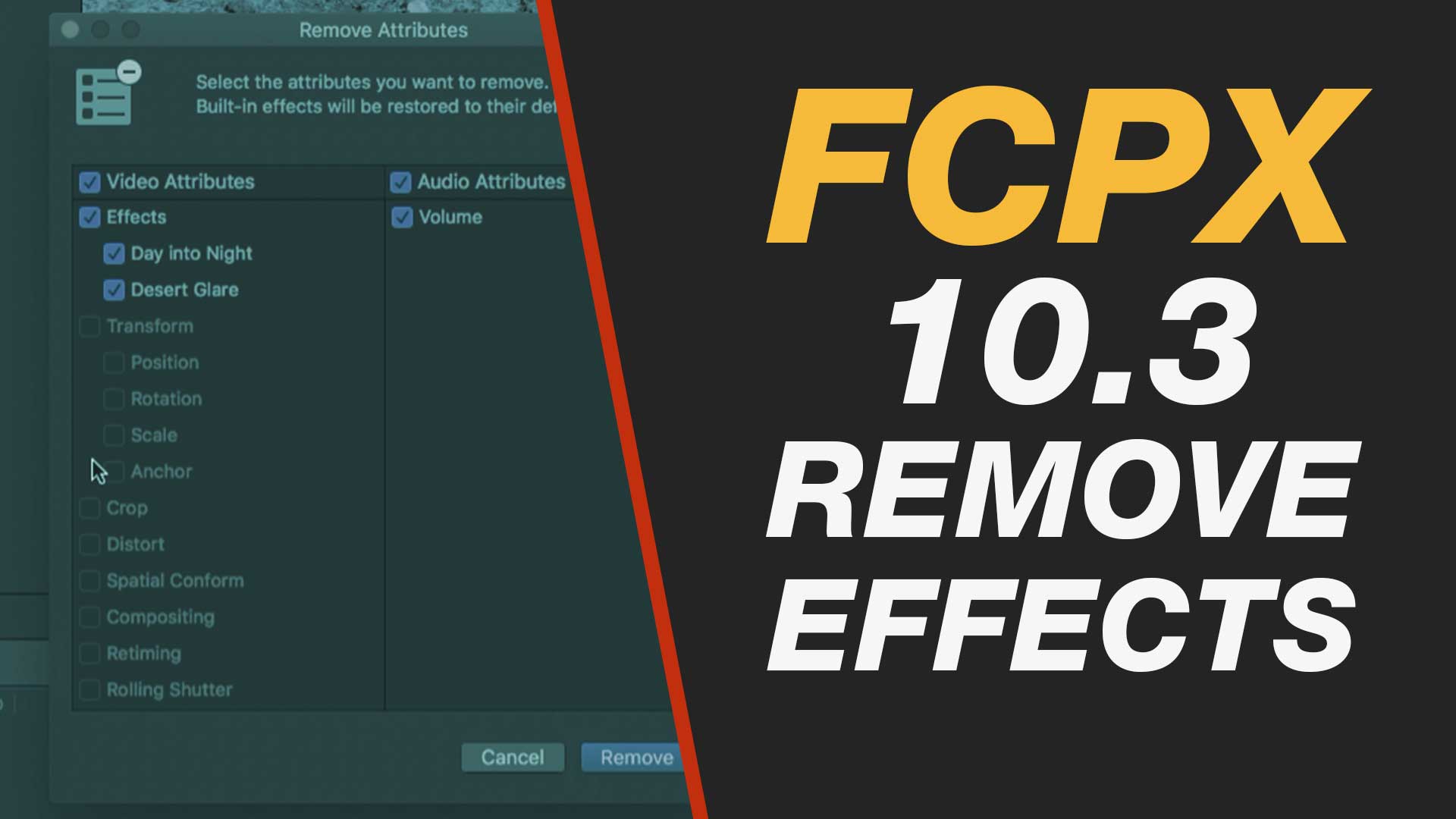
In this Final Cut Pro X 10.3 video tutorial you will learn some great tips for removing your effects or transitions both one at a time and en-masse. Using some of Final Cut Pro X 10.3’s great tools for finding, selecting and modifying multiple clips and transitions you will learn how you can really take control of your timeline.
My Final Cut Pro X help tutorials aim to answer the tricky questions that users come across everyday. These are great classes if you want to learn Final Cut Pro X and each lesson or tip will guide you through in easy to follow steps.
If you are a beginner looking for tutorials in Final Cut Pro X take a look at my free introductory lesson “Final Cut Pro X Beginner Tutorial : Import, Edit & Export in 25 Minutes” which will get you started. This basic tutorial gives you a full run through of how to what you need to know in order to edit videos.
About My Live Online Training & In Classroom Training
I am a professional trainer of Final Cut Pro X, Adobe Premiere Pro, Adobe Photoshop, Adobe InDesign, Adobe Acrobat Pro & Adobe Illustrator.
I regularly teach classes in Regina and across Saskatchewan as well as running live online workshops. If you’d like to find out more then please drop me a message design@benhalsall.com or visit my web-site www.benhalsall.com .
Using Markers in Final Cut Pro X, Working with Markers, Final Cut Pro X tutorial, Final Cut Pro X Beginner Tutorial, Chapter Markers in FCPX, Ways to view audio clips – Apple FCPX, Adjust Timeline Settings – Waveforms – FCPX, Waveform Size in Timeline, Audio Editing in Final Cut Pro X, View Audio Waveform in Final Cut Pro X, View Waveform in FCPX,size of audio waveforms, Removing Lens Dirt & Dust, Dust Spot Removal in Final Cut Pro X, Fix Camera Spot, Garbage Matte Tutorial, Remove Dust and Dirt form Camera Shot, Connected Clips Tutorial, Layers tutorial for Final Cut Pro X, Mange Your Timeline in Final Cut Pro X, Connected Clips in Final Cut Pro X, Final Cut Pro X Beginner Tutorial, Beginner Lesson for Final Cut Pro X, Learn Final Cut Pro X for Beginners, Final Cut Pro X: An Beginner’s Introduction, The Beginners Guide to Learning FCPX | Ben Halsall, Final Cut Pro – Basics Training – Ben Halsall, Final Cut Pro X Essentials, Final Cut Pro X 101, fcpx tutorials for beginners, final cut pro beginner, final cut 7 tutorial beginner, final cut pro 7 tutorial beginner,fcpx tutorial free download,youtube final cut ben halsall, final cut pro basics, final cut pro basics 2015,final cut pro basics 2016,final cut pro basics 2017,final cut pro basics 2018,final cut pro basics 2019, final cut pro basics 2020,fcpx basics, final cut pro video tutorials,fcpx tutorial free download,final cut pro tutorial youtube,final cut pro 10 basics,how to use final cut pro 10,fcp 10 basic tutorial,fcpx tutorial pdf, final cut pro tutorials for beginners,final cut pro 7 basics,final cut pro 10 export,final cut pro 10 for windows,final cut pro 10 free download,final cut pro 7 tutorial beginner,youtube final cut pink floyd,final cut pro basics 2015, final cut pro intro, final cut pro x intro, final cut pro introduction, final cut pro x introduction
If you are checking out these blog posts I am mostly focussed on training for my surf trips and living in the Canadian Prairies means lots of pool time and indo board time. I’m also trying to connect other surfers in Saskatchewan through my Facebook group – if you are interested in trips, surf chat then check it out.
Warm Up (1200m)
2 x 300 (200 swim, 50 kick, 50 choice)
8 x 75 (25 kick, 50 same stroke as kick)
Main Set (1800m)
12 x 150 broken (100 swim steady, 50 swim all out)
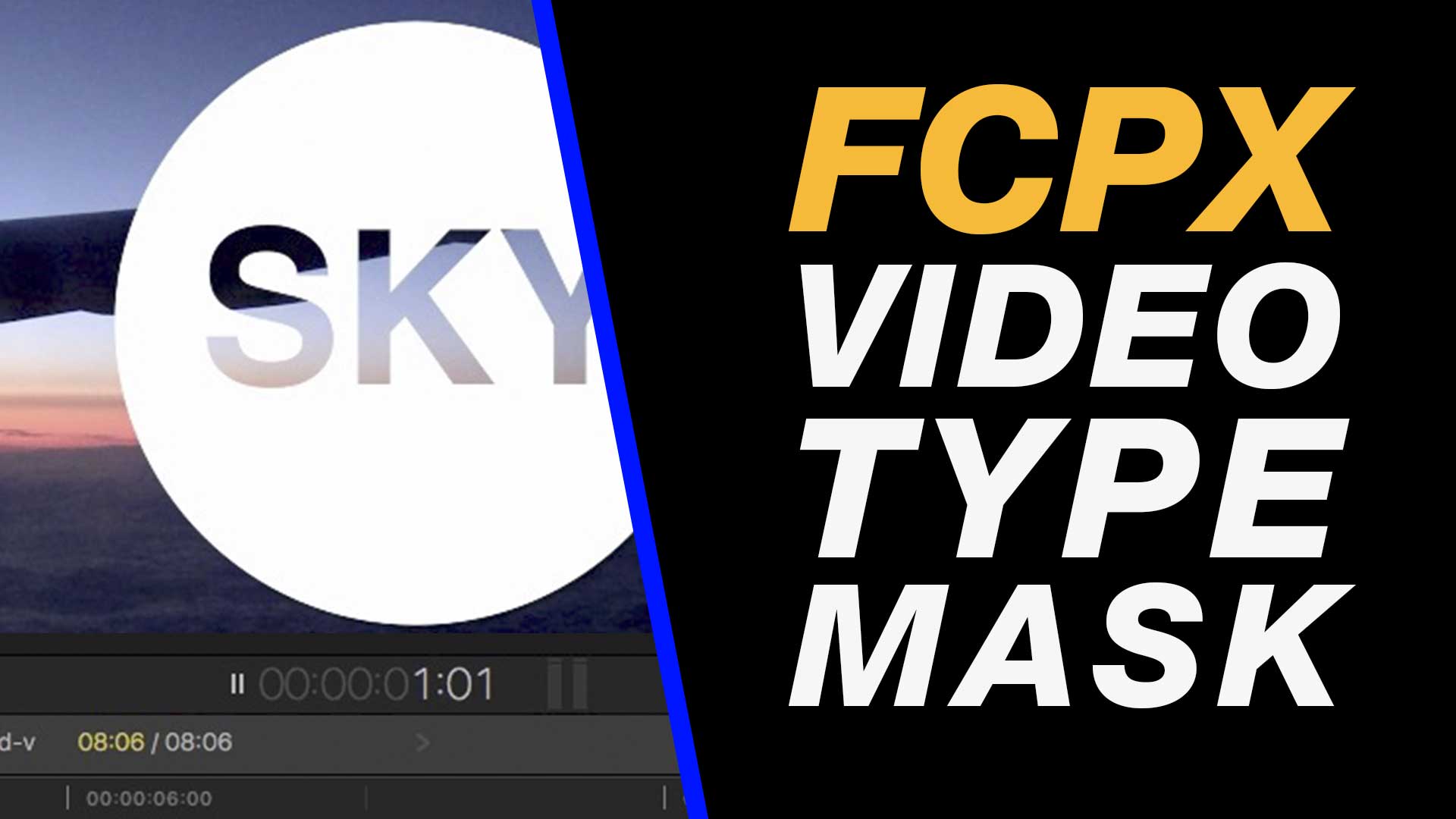
Learn how to place video inside a text & shape using nothing but built in effects in Final Cut Pro X. Working intelligently with layers, masks and color effects create this cool effect.
This easy to follow tutorial runs through everything you need to know for custom video inside type or graphic shapes that you want to add to your video edit.
My Final Cut Pro X help tutorials aim to answer the tricky questions that users come across everyday. These are great classes if you want to learn Final Cut Pro X and each lesson or tip will guide you through in easy to follow steps.
If you are a beginner looking for tutorials in Final Cut Pro X take a look at my free introductory lesson “Final Cut Pro X Beginner Tutorial : Import, Edit & Export in 25 Minutes” which will get you started. This basic tutorial gives you a full run through of how to what you need to know in order to edit videos.
About My Live Online Training & In Classroom Training
I am a professional trainer of Final Cut Pro X, Adobe Premiere Pro, Adobe Photoshop, Adobe InDesign, Adobe Acrobat Pro & Adobe Illustrator.
I regularly teach classes in Regina and across Saskatchewan as well as running live online workshops. If you’d like to find out more then please drop me a message design@benhalsall.com or visit my web-site www.benhalsall.com .
Chapter Markers in FCPX, Ways to view audio clips – Apple FCPX, Adjust Timeline Settings – Waveforms – FCPX, Waveform Size in Timeline, Audio Editing in Final Cut Pro X, View Audio Waveform in Final Cut Pro X, View Waveform in FCPX,size of audio waveforms, Removing Lens Dirt & Dust, Dust Spot Removal in Final Cut Pro X, Fix Camera Spot, Garbage Matte Tutorial, Remove Dust and Dirt form Camera Shot, Connected Clips Tutorial, Layers tutorial for Final Cut Pro X, Mange Your Timeline in Final Cut Pro X, Connected Clips in Final Cut Pro X, Final Cut Pro X Beginner Tutorial, Beginner Lesson for Final Cut Pro X, Learn Final Cut Pro X for Beginners, Final Cut Pro X: An Beginner’s Introduction, The Beginners Guide to Learning FCPX | Ben Halsall, Final Cut Pro – Basics Training – Ben Halsall, Final Cut Pro X Essentials, Final Cut Pro X 101, fcpx tutorials for beginners, final cut pro beginner, final cut 7 tutorial beginner, final cut pro 7 tutorial beginner,fcpx tutorial free download,youtube final cut ben halsall, final cut pro basics, final cut pro basics 2015,final cut pro basics 2016,final cut pro basics 2017,final cut pro basics 2018,final cut pro basics 2019, final cut pro basics 2020,fcpx basics, final cut pro video tutorials,fcpx tutorial free download,final cut pro tutorial youtube,final cut pro 10 basics,how to use final cut pro 10,fcp 10 basic tutorial,fcpx tutorial pdf, final cut pro tutorials for beginners,final cut pro 7 basics,final cut pro 10 export,final cut pro 10 for windows,final cut pro 10 free download,final cut pro 7 tutorial beginner,youtube final cut pink floyd,final cut pro basics 2015, final cut pro intro, final cut pro x intro, final cut pro introduction, final cut pro x introduction, freeze frames in final cut pro x, speed change, speed ramp, working with titles, smart type overlays, overlay type in final cut pro x, overlay type using smart colour adjustment, split screen in final cut pro x, create split screen, copy and paste attributes, stop motion animation, timelapse animation, frame duration in final cut pro x, change frame duration in final cut pro x, final cut pro x beginner tutorial, add effects in final cut pro x, transitions in final cut pro, control transition duration, precision control of transition length, controlling transition length in fcpx, create square video in final cut pro x, create square video in fcpx, custom video resolution, create 1080 x 1080 video for instagram, create hi def square video in final cut pro x, final cut pro x tutorial, final cut pro x beginner tutorial, drag and drop editing, editing in final cut pro x, essential editing in final cut pro x, drag & drop editing, final cut pro tutorial
“Great video! I didn’t realize those files could be so large, or that I could delete them manually. I just went through about 30 old projects I had, deleted all the render files, & it freed up 1.1TB!”
“This tutorial was perfect! i got back just over 300gb from deleting those pesky render files and i turned off the automatic rendering.”
“Oh my god THANK YOU! I’ve been trying for weeks now to figure out how to free up space without deleting my work but I COULDNT! I even went to the apple store 3 times and THEY couldn’t figure it out :/ Thanks a lot!”
“Hi Benjamin, thank you so much for this video. This was one of the greatest and clearest tutorials I’ve seen ! 🙂 I just subscribed to your channel.”
“OH MY GOODNESS, THANK YOU!!! THIS TUTORIAL JUST SAVED MY LIFE!! I had over 150 gb avalible on my hardrive before I bought FCP a month and a half ago. Today I got a warning I had 2. After following this tutorial, I have 50! THIS HELPED ME SO MUCH!!! :D”
I will be in Nanaimo & Tofino from 2nd to 6th December and have some times available for one-to-one or small group in-house training sessions & support forFinal Cut Pro X.
If this is something you are interested in and would like to find out more then then drop me an e-mail – design@benhalsall.com .
This is a great opportunity if you need support for your video project or would like a face-to-face introduction to Final Cut Pro X.
I can run workshops and training at an introductory or advanced level as well as
Availability:
Saturday 2nd December – Nanaimo (pm) Sunday 3rd December – Nanaimo (am), Tofino (pm) Monday 4th December – Tofino Tuesday 5th December – Tofino Wednesday 6th December – Tofino (am), Nanaimo (pm)
How much time do I need to book?
I normally recommend a 2 hour session as a minimum time for those looking to cover topics in Final Cut Pro X.
This is enough time to give a good overview of how to capture, edit and export and along with some free video resources that I will supply post-class, as well as a full video recording of the session, you will get great value from even a short amount of training.
Rates
$80/hr + taxes for groups of 1 to 3 people
When will I next be in Nanaimo or Victoria?
If these times don’t fit then don’t worry I regularly travel to Vancouver Island and am happy to schedule in some training time. Just get in touch and we can set something up.
Looking for something free to get you started?
If you are looking for some free online introductions (or would like to check out my teaching style before you book) then I have an extensive set of videos that will help you to get started with Final Cut Pro X on my YouTube channel or just by hitting play below.