Don’t forget to subscribe to my channel on YouTube!
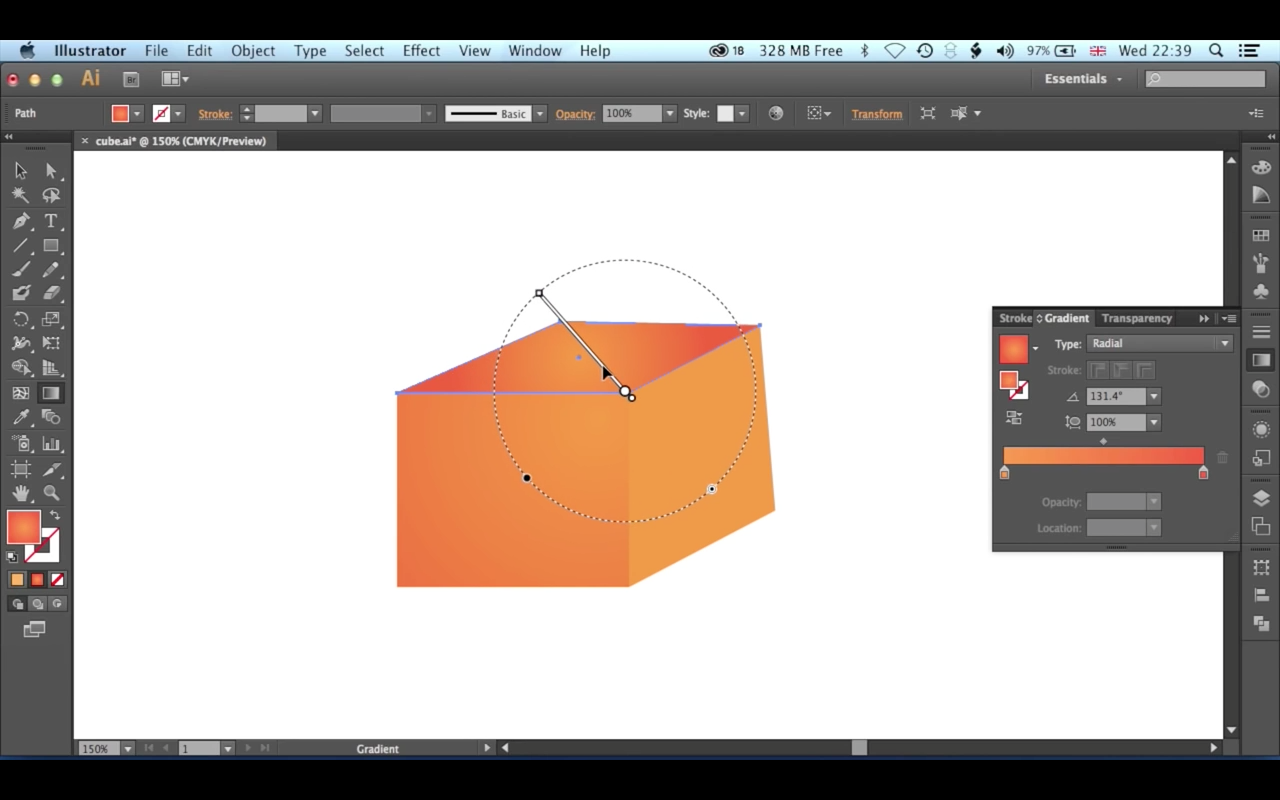
Create a cube using Adobe Illustrator’s gradient tool. The gradient tool is useful in lots of different scenarios. This quick introductory tutorial runs through how to setup colors, position, and rotate the gradient tool.
What size should my web banner advert be? The truth behind the pixels!
I’ve been working with some clients recently who are primarily used to working with print based publications. So as a result they have been posting adverts on their site that are sized in inches rather than pixels. This has left some adverts unreadable – something I’m working with them to remedy.
So if you are a newcomer to the web then it is important to educate yourself, and your clients or advertisers, in the way of the pixel.
The key thing to remember is that if things don’t look readable on your screen, or look too small, then that will not improve when visitors to your site look at the site.
Take some time to consider the size of computer monitors (in pixels) and how this affects the files you need from those who are sending them to you. Not all screens are equal but there are some good guidelines for web-adverts in place.
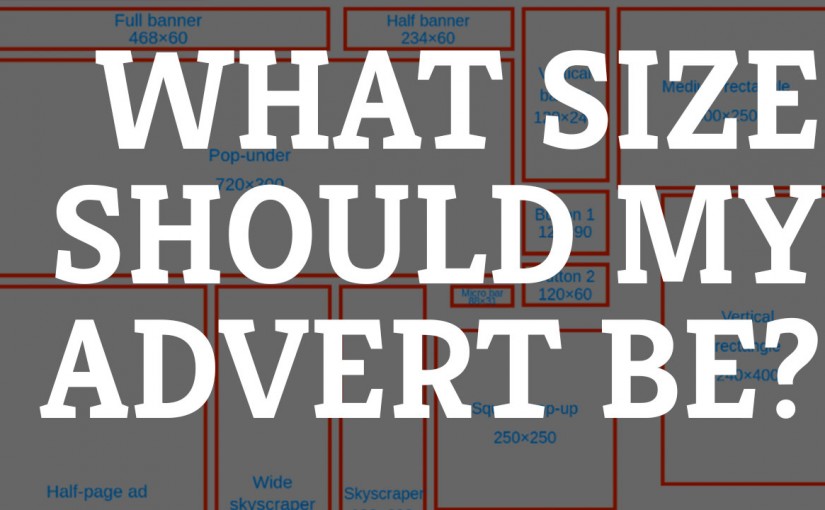
The guide below from Wikipedia shows some standard web-banner advert sizes to consider. Also considering font size and reducing the amount of information to the important bits. Remember once a visitor clicks the link you can direct them to a page that has everything they need.
There are some other topics to take into consideration in your approach to this which can be summed up in one word – mobile! The screen sizes for phones and tablets add another dimension to this discussion but we’ll leave this one for another time.
I’m planning to create some video tutorials on this topic in the near future, perhaps including some free image editors that will enable you to create your own adverts.
So please take the time to subscribe to my YouTube Channel to keep yourself updates or check out my mailing list.

This is awesome! #followthis #birds #drones #eyes via @cawsand http://birdsdroneseyes.tumblr.com #birdsdroneseyes

Final Cut Pro X: Audio Tips for Managing Levels & Edits #fcpx #tutorial #yqr #levels
You will learn some essential tips for managing audio levels in your Final Cut Pro edits. Learn how to mix music tracks over interviews, how to perform an L cut and how apply audio levels to more than one clip at a time with some really smart techniques.
Illustrator: Create a Pattern of Polygons with Nodes in 5 minutes #adobeillustrator #regina #yqr #training #creative
Lean how to create & manipulate your own node based patterns in Adobe Illustrator. This tutorial teaches key skills that will enable you to take control of your Adobe Illustrator design work with some great techniques for adapting and editing patterns and design. Enjoy!
Take a look at the fabulous selection of Summer 2015 Art Courses in Portage-du-Fort, Québec #PontiacQC #courses #artpontiac
Take a look at the fabulous selection of courses taking place this Summer in the Pontiac, Québec. From Nuno Felting to Screenwriting and Painting!
Pontiac School of the Arts 2015
Our 11th Year!
The Stone School in Portage-du-Fort is the home of the Pontiac School of the Arts whose mission is to “inspire creative discovery in everyone.” The school’s annual programming includes courses spanning a wide range of art and crafts.

Multiscreen Playback for Video & Motion Graphics using MPE (Most Pixels Ever)
I’ve been working with Daniel Shiffman’s MPE or Most Pixels Ever application to create multi-screen video playback. Here are some of the tests and results.
Final Cut Pro X: Moving Clips on The Timeline with The Select & Position Tools
Learn how to control the movement of your clips to on Final Cut Pro X timeline. With the Select & Position tools you can shuffle your edit, lift clips from the timeline, add black space or a slug at the start of your edit and control how you ripple or move edit points on the timeline. If you need to move your clips around, with control, this tutorial will teach you how.
Artists’ Residency July 2015 Live, explore & make art with the Pontiac Artists’ Association #Quebec #PontiacQC #art www.artpontiac.com/residency
Artists’ Residency Project
Summer 2015
Come live, explore, and make art with the Pontiac Artists’ Association
A week of sharing and making art
The artists of the Pontiac Artists’ Association (PAA) invite you to spend a week with us making art in the beautiful Pontiac countryside. Our region is an hour’s drive north west of Gatineau/Ottawa. It is an area of unparalleled diversity and natural beauty.
The Pontiac Artists’ Association includes artists in all mediums, from beginning and emerging artists to professional artists with decades of experience and international exposure. We have been working together on several initiatives over the years. The longest, begun 24 years ago, is the Pontiac Artists’ Studio Tour. This Tour is one of the biggest cultural tourism events in the area and continues to draw hundreds of visitors every year.
As well, the PAA coordinates the Pontiac School of the Arts and a full exhibition schedule at the Stone School Gallery, our Cultural Center in Portage-du-Fort.
For the sixth year, PAA members will open their doors to visiting artists in order to host a week of making art together and to showcase our stunning region.
Cool! @skillfeed has a created new pages for instructors. Now follow your favourite teachers https://www.skillfeed.com/instructor/25?r=25
I don’t know what is more exciting the new layout on my Skillfeed page or the fact that I’ve had 777 students in my time as a teacher there! Pretty cool. Check out and follow my page here – Ben Halsall on Skillfeed .
