Youtubers! This is your complete pro-Kit for your channels, use it in Final Cut Pro and Apple Motion! We’ve reworked the entire underlying logic so Final Cut Pro-only-users can benefit from this amazing pack in a breeze! Check out The YouTuber Pack 3.0 here.
Check out the zoom & highlight plugin used in my tutorials here:
A fully-featured set of exclusive FCPX text message plugins to emulate texting apps like iMessage & Facebook Messenger, create your own designs, or choose from 8 custom presets. Text Message automatically scales the text message bubble and advances previous messages. This is a HUGE update with TONS of new features, functionality and presets! Buy it here >>
If you are new to Mac OS X or are looking for in depth instruction for getting the most out of your Apple Mac then this one day is the class for you.
The focus of this class is to build your familiarity with the Apple Mac system so that you can move more freely around the desktop, between applications and learn about the default applications that are installed when you get your new Apple Mac.
The classes I teach are for individuals or small groups and can be customised to fit individual or group requirements.
Class Recording
Each class I teach comes with a full recording that will be uploaded and shared with the participants online after class. This is a great resource for recapping in detail on what was covered and will include answers to any questions that were asked in class.
What is Covered
Here is an outline of some of the apps that will be covered.
Intro to the Interface
Navigating the Desktop
Ben’s Top 10 Shortcuts
Setting Up Users
Overview of Build-in-Software
iTunes
FaceTime & Messages
TextEdit
Apple Mail – Setup & Tips
Safari – Browsing the Web
Calendar – Setting Up Calendars
Photo Booth
Quicktime
Photos & iPhoto
GarageBand
Creating PDFs & Preview
Notes
iMovie Overview
Pages
Keynote
Smart Password Management
Ask Me Anything About this Class
You can send me an e-mail at design@benhalsall.com or use the form below. I look forward to hearing from you.
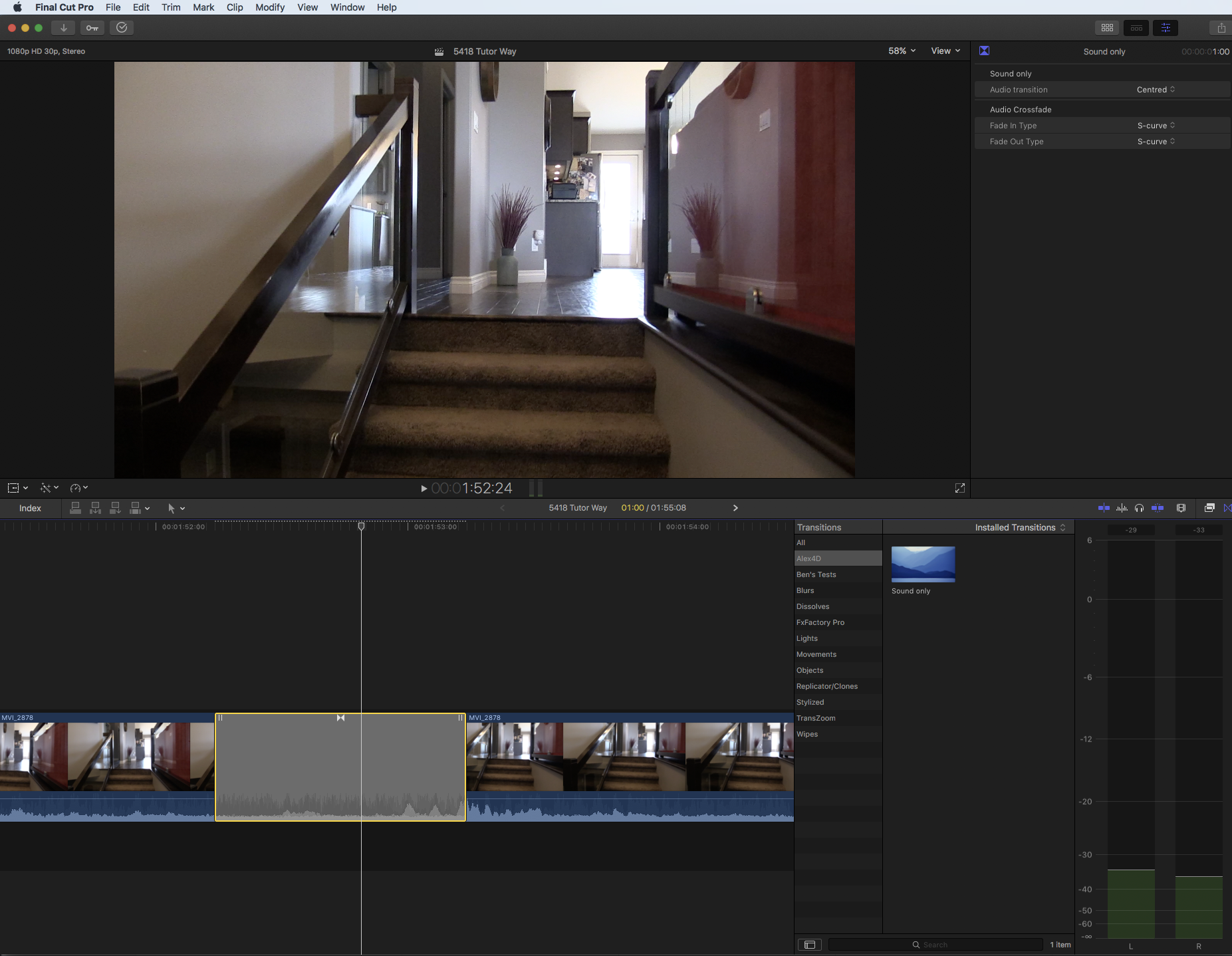
Learn shortcuts that will help you to move around your timeline with ease. Zoom In & Out, navigate your edit points, play forwards/backwards, nudge your edits one frame at a time and much more!
Create edits, make selections as you move fluidly around your edit. This easy to follow tutorial includes shortcuts that I use daily to help me edit quicker and more easily.
If you have a stack of connected clips and need to nudge them this way or that, need to shift the up or down or perhaps even move or remove the clip they are connected to then this tutorial is the one you need.
Here you will go in-depth as you learn how to manage your layered clips in Final Cut Pro X in this easy to follow tutorial.
You might also be interested in this tutorial:
Final Cut Pro X: Editing The Main Storyline Independently of Connected Clips
Are you trying to nudge your main storyline using the Position or Trim tool and the default state is not working for you because the connected clips move too? This tutorial will offer some useful tips for moving your edit points whilst keeping connected clips in place.
A list of inspirational titles and tutorials that I am collecting. If you have great examples drop me a message. I would love to add more great examples of different styles of titles.
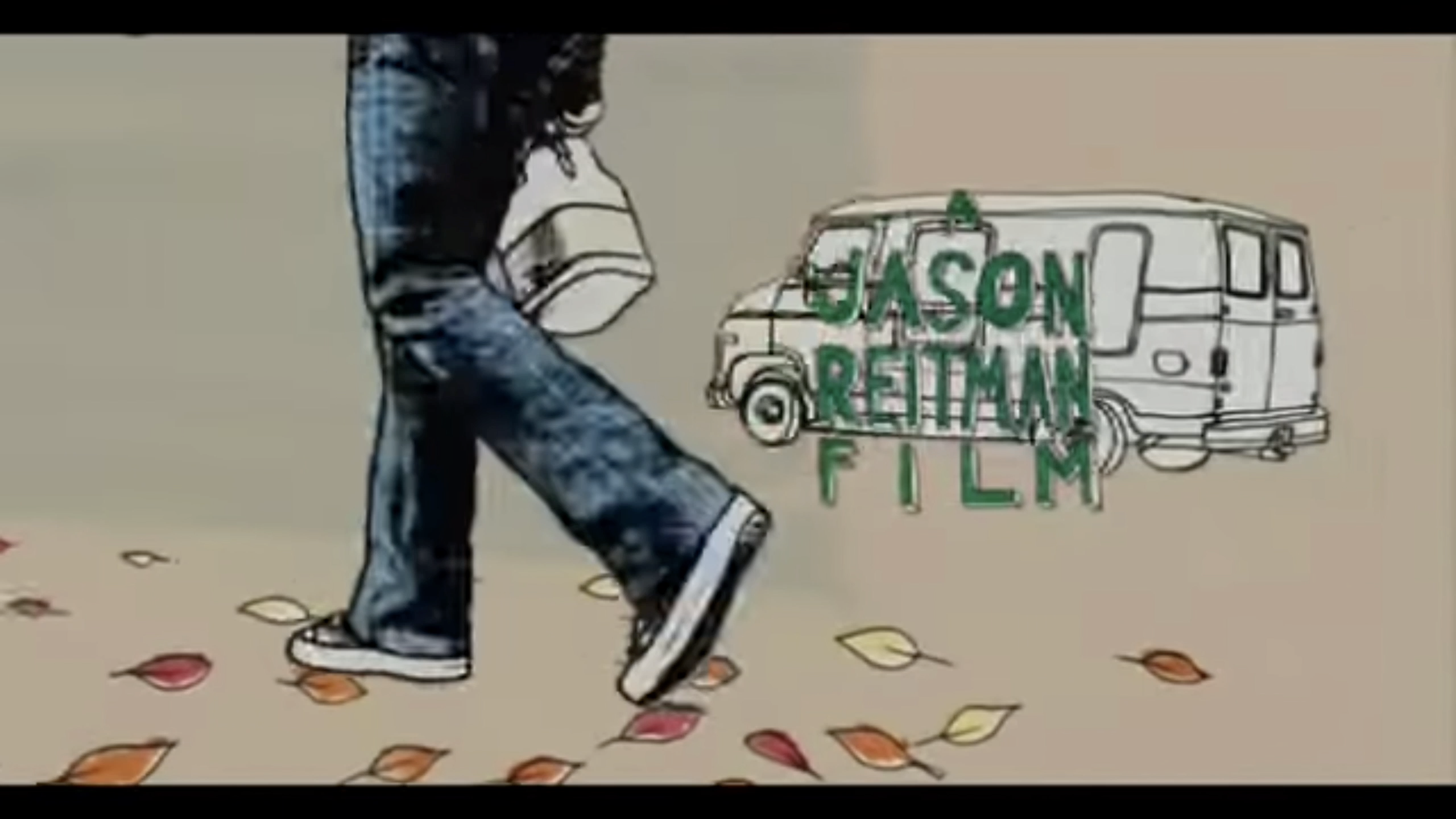
There are examples of hand-drawn, digital and in camera titles below that offer some exciting ideas if you are looking for new ways to create the titles for your next project.
Hand-Drawn Titles
Use built in effects in Premiere Pro to create a text title that looks like it’s being written onto the video as it plays.
Digital and illustrated titles. There are some good examples in the opening shots of this video.
Digitally Created Titles
A Tutorial where you’ll learn how to create an amazing killer intro title in Adobe Premiere Pro CC 2018! We will take a look at animation and the new responsive time update.
In Camera Titles
Check out how I put together the in-camera titles for my upcoming short film AUGUR.
In this tutorial learn how to make a countdown timer in Final Cut Pro X 10.3 with built-in plugins. You will learn useful skills about the benefits of working with compound clips in order to manipulate and get the most of Final Cut Pro X’s built-in plugins.
Recent video tutorials to check out
A selection of some of my recent weekly uploads to my YouTube channel:
Full Tutorial Class for Beginners – Import, Edit & Export
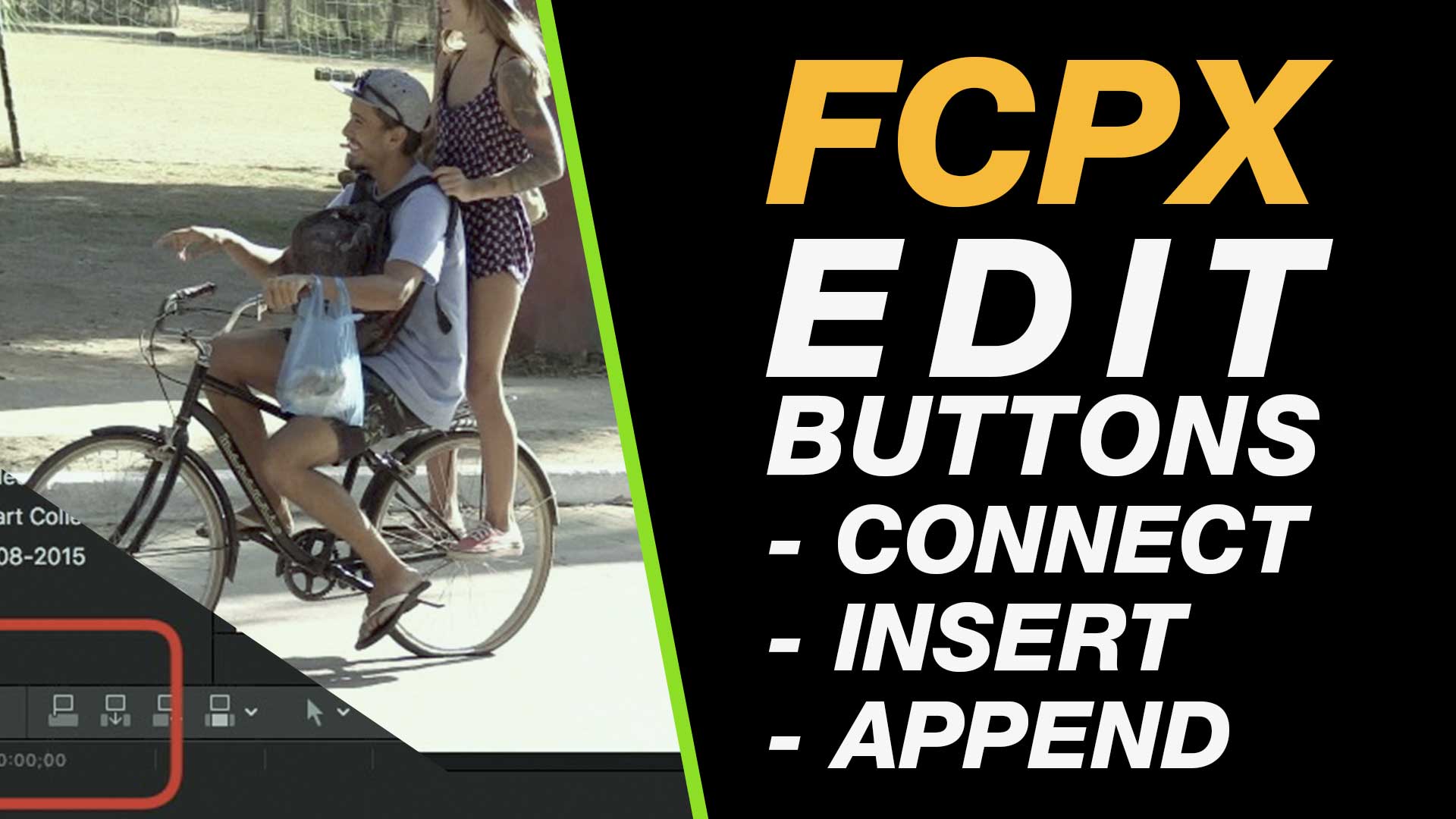
If you are brand new to Final Cut Pro X or video editing then this tutorial is for you. You will learn the essential editing tools and how they add clips to your timeline in different ways. Whether you need to create layers in your edit, insert clips precisely into your edit or recognise important icons that will help your video editing this tutorial is packed with useful information. You will also learn some of the essential editing shortcuts for navigating and editing on your project timeline.
About My Live Online Training & In Classroom Training
I am a professional trainer of Final Cut Pro X, Adobe Premiere Pro, Adobe Photoshop, Adobe InDesign, Adobe Acrobat Pro & Adobe Illustrator.
I regularly teach classes in Regina and across Saskatchewan as well as running live online workshops. If you’d like to find out more then please drop me a message design@benhalsall.com or visit my web-site www.benhalsall.com .
Tags:
Final Cut Pro X 10.4, Final Cut Pro X 10.3, Adjust Timeline Settings – Waveforms – FCPX, Waveform Size in Timeline, Audio Editing in Final Cut Pro X, View Audio Waveform in Final Cut Pro X, View Waveform in FCPX,size of audio waveforms, Removing Lens Dirt & Dust, Dust Spot Removal in Final Cut Pro X, Fix Camera Spot, Garbage Matte Tutorial, Remove Dust and Dirt form Camera Shot, Connected Clips Tutorial, Layers tutorial for Final Cut Pro X, Mange Your Timeline in Final Cut Pro X, Connected Clips in Final Cut Pro X, Final Cut Pro X Beginner Tutorial, Beginner Lesson for Final Cut Pro X, Learn Final Cut Pro X for Beginners, Final Cut Pro X: An Beginner’s Introduction, The Beginners Guide to Learning FCPX | Ben Halsall, Final Cut Pro – Basics Training – Ben Halsall, Final Cut Pro X Essentials, Final Cut Pro X 101, fcpx tutorials for beginners, final cut pro beginner, final cut 7 tutorial beginner, final cut pro 7 tutorial beginner,fcpx tutorial free download,youtube final cut ben halsall, final cut pro basics, final cut pro basics 2015,final cut pro basics 2016,final cut pro basics 2017,final cut pro basics 2018,final cut pro basics 2019, final cut pro basics 2020,fcpx basics, final cut pro video tutorials,fcpx tutorial free download,final cut pro tutorial youtube,final cut pro 10 basics,how to use final cut pro 10,fcp 10 basic tutorial,fcpx tutorial pdf, final cut pro tutorials for beginners,final cut pro 7 basics,final cut pro 10 export,final cut pro 10 for windows,final cut pro 10 free download,final cut pro 7 tutorial beginner,youtube final cut pink floyd,final cut pro basics 2015, final cut pro intro, final cut pro x intro, final cut pro introduction, final cut pro x introduction, freeze frames in final cut pro x, speed change, speed ramp, working with titles, smart type overlays, overlay type in final cut pro x, overlay type using smart colour adjustment, split screen in final cut pro x, create split screen, copy and paste attributes, stop motion animation, final cut pro tutorial 2017, final cut pro tutorial 2018, final cut pro tutorial for beginners, final cut pro beginner tutorial, adobe premiere, mac os x, final cut pro tutorial pdf, imovie tutorial, final cut pro 10 tutorial, final cut pro x tutorial deutsch, final cut pro tutorial beginners, final cut pro tutorial for beginners, tutorial final cut pro español