3 Free Photoshop CC Classes for beginners learning layers, type and colour
For the next few weeks you will be able to check out three of my Skillshare courses for free with these 3 excellent Photoshop CC Classes.
Learn how to collage images, slice up type, put an images in side your text and how to create a Banksy style silhouetted portrait!
Just follow the links below to enrol for free!
Photoshop: Collage, Colour, Contrast & Type
In this class learn how to create a colourful photographic montage along with techniques for adjusting your images so your type design can flow above it with perfect visual clarity.
Learn how to – place images, mask & crop images, work with hue/saturation adjustment layers, create drop shadows and improve type contrast for your web or social media images.

Photoshop: Type Design Tips
Learn how to slice up type and place images inside your text in Adobe Photoshop. This class is based on questions I have had from designers about how to achieve certain techniques so if you have any questions or are trying to achive a certain look or effect then get in touch.
http://skl.sh/1RSVCiZ

“Banksy Yourself” – Create a Silhouetted Portrait
Create a Banksy style portrait using Adobe Photoshop’s masking and adjustment layers.
This is a fun way of getting to grips with Photoshop’s adjustment layers and discovering the power of non-destructive editing by making a smart use of layers.
In this short and easy to follow class you will learn some key Photoshop skills and I can’t wait to see what you can do with this technique. So whether you want to design an new profile picture, poster or even a t-shirt get yourself enrolled and just let me know if you have any questions.
http://skl.sh/1SdNzKz

And also…
More Photoshop & Illustrator Courses on Skillshare
If you would like to into greater depth with Photoshop then check out my Digital Studio series that covers the fundamentals of Adobe Photoshops & Adobe Illsutrator.
Digital Studio 1: Interface, Layers, Cutouts & Shapes (aka Introduces Photoshop & Makes a Meme)
Digital Studio 2: Photoshop Drawing & Painting Fundamentals
Digital Studio 3: Color Correction, Retouching & Compositing in Photoshop
Digital Studio 4: Shape Essentials in Adobe Illustrator
Digital Studio 5: Create Polygonal Patterns in Adobe Illustrator
Digital Studio 6: Photoshop Essentials Q&A
Digital Studio 7: Adobe Illustrators Essential Tools – Carving a Pumpkin
The surfer not considered hot enough for sponsorship – BBC News [art+research] via @YouTube
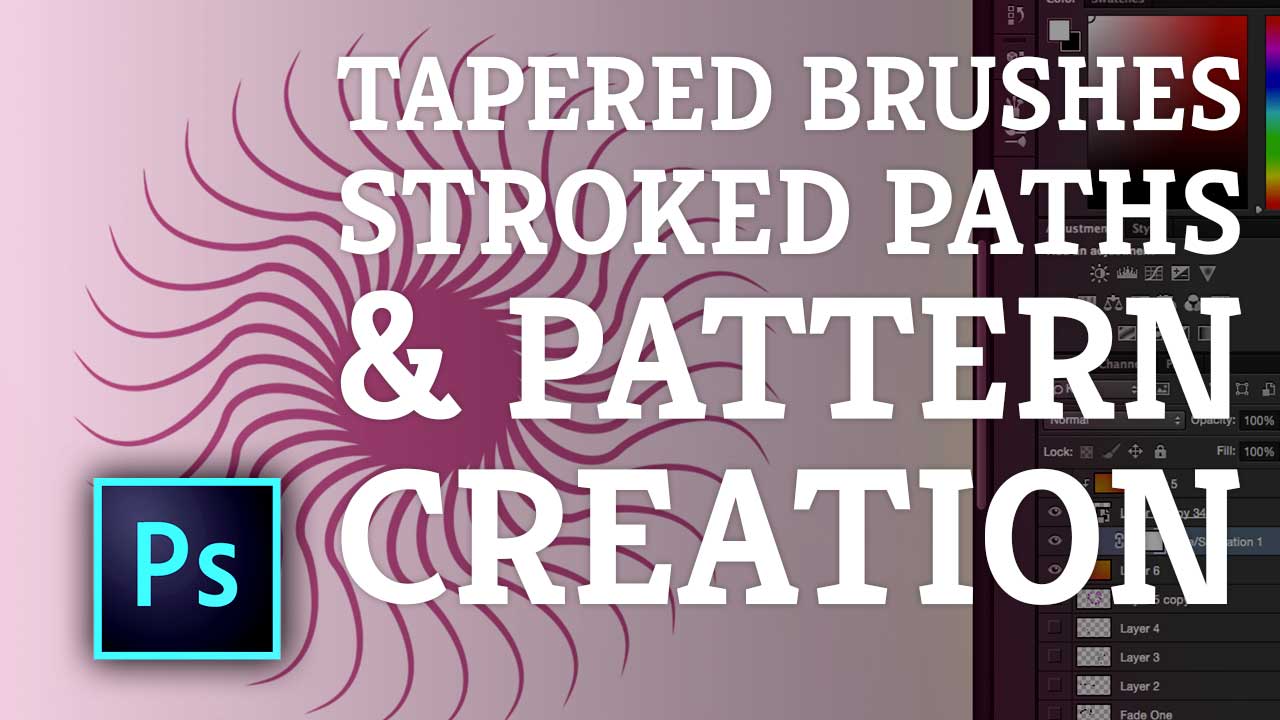
Photoshop: Tapered Brushes, Stroking Paths & Creating Patterns
Create cool patterns like the one below in Adobe Photoshop using a mixture of strokes, brushes and transformations. This short course will run through some excellent techniques for the creation of customised graphics using brushes, the pen tool and shape tools to create paths and strokes.
Enrol for free with this link – http://skl.sh/1QzBPQJ

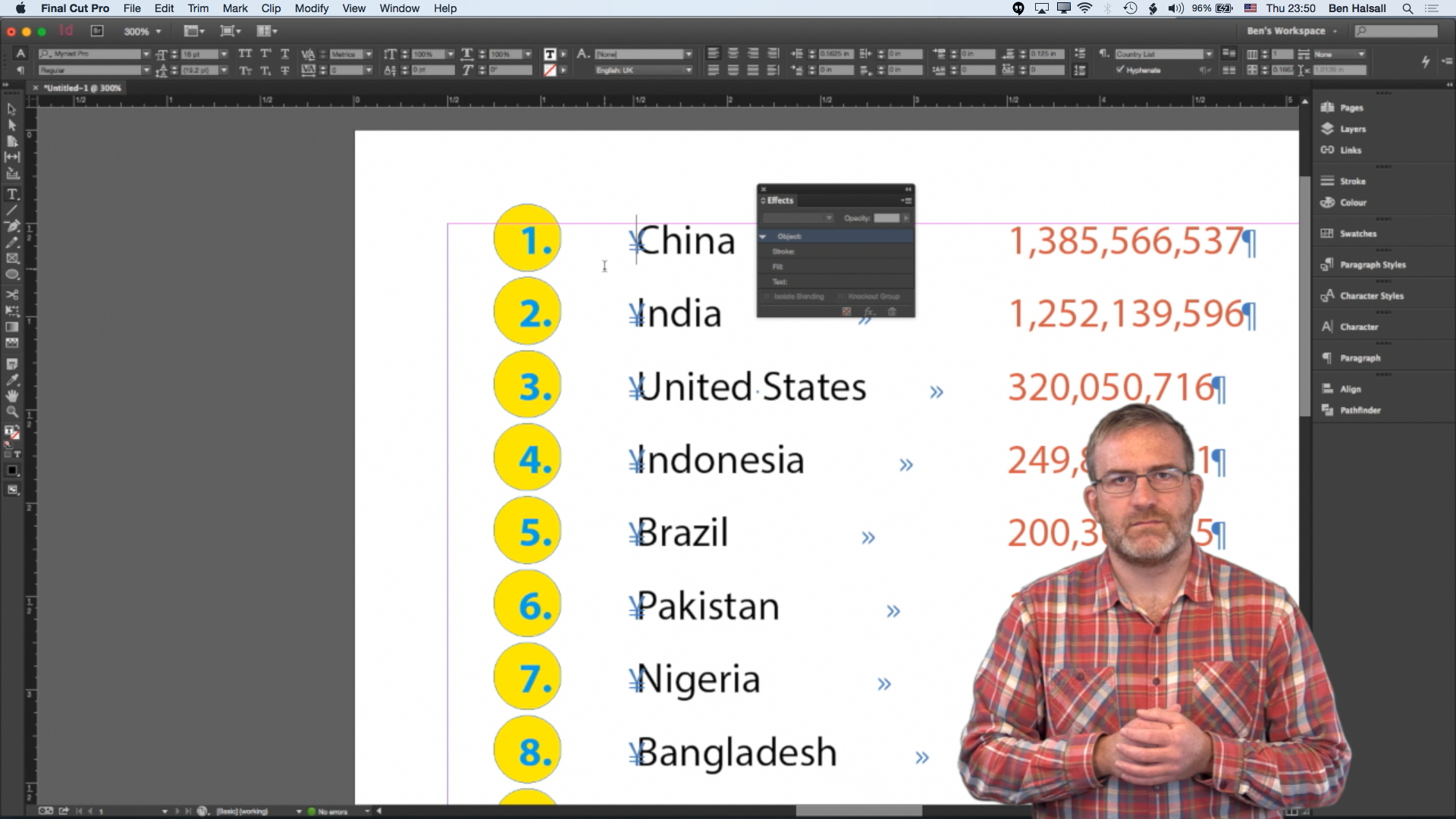
“InDesign: Tips for Customising Perfect Lists” is my new short course on @skillshare I’m sharing 100 free enrolments here #YQR #YXE #YVR
If you love Adobe InDesign you will love this new short course “InDesign: Tips for Customising Perfect Lists” that runs you through how to customise lists using nested character styles.
100 free enrolments are availalble here – http://skl.sh/1QQegm1


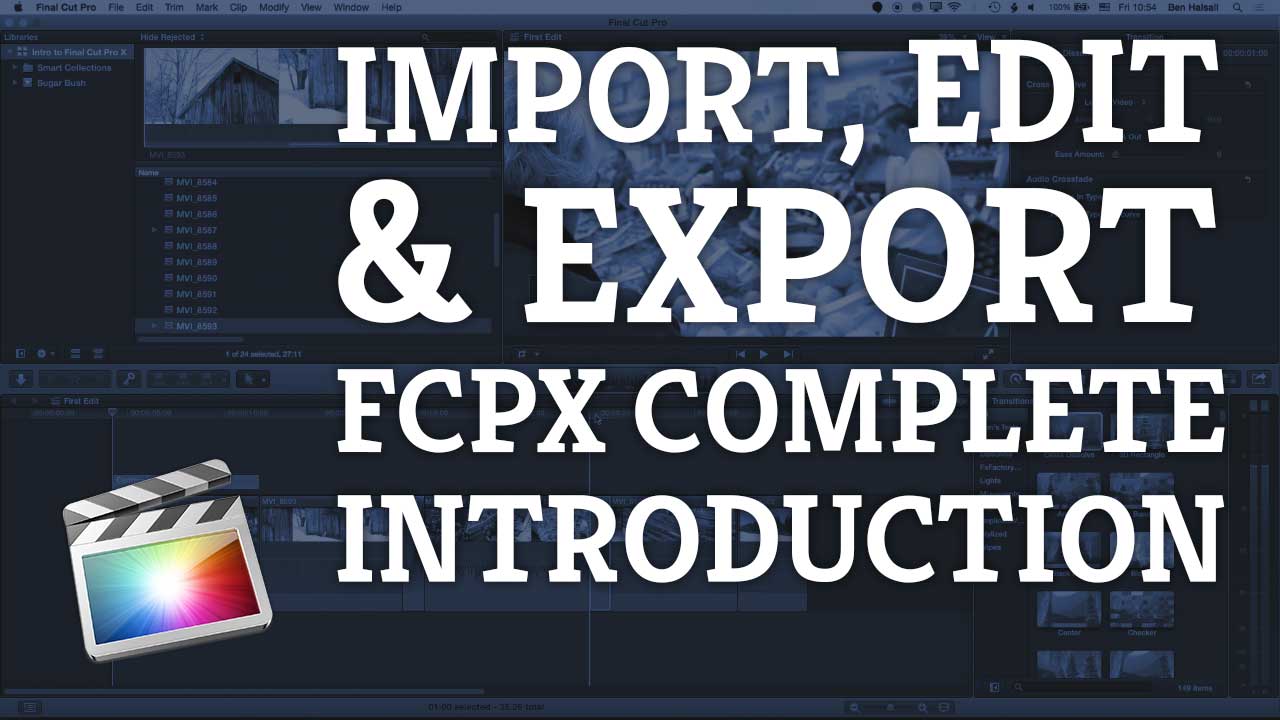
Learn Final Cut Pro X in 25 Minutes – Beginners Tutorial From Import to Edit & Export #FCPX
[et_pb_section admin_label=”section”][et_pb_row admin_label=”row”][et_pb_column type=”2_3″][et_pb_text admin_label=”Text”]
In this beginners video you will be introduced to all the key tools in Final Cut Pro X.
This includes importing footage, reviewing, editing, refining your edit, adding titles, effects and exporting your project.
If you need a quick A to Z of Final Cut Pro X this tutorial will cover all the key tools you need to get editing.
About Me
My name is Ben and I offer video production, video editing & graphic design services to small and medium sized businesses. I also offer training courses for video editors starting out Final Cut Pro X or Premiere Pro CC as well as teaching designers how to master Adobe InDesign, Adobe Photoshop & Adobe Illustrator.
I have been working and creating projects for video, print and the internet since 1996.
If you would like to find out more about what I do then check out my video & design services or the list of training courses I can offer.
[/et_pb_text][et_pb_text admin_label=”Text” background_layout=”light” text_orientation=”left” use_border_color=”off” border_color=”#ffffff” border_style=”solid”]
[/et_pb_text][/et_pb_column][et_pb_column type=”1_3″][et_pb_text admin_label=”Text” background_layout=”light” text_orientation=”left” use_border_color=”off” border_color=”#ffffff” border_style=”solid”]
[/et_pb_text][et_pb_text admin_label=”Text” background_layout=”light” text_orientation=”left” use_border_color=”off” border_color=”#ffffff” border_style=”solid”]
[/et_pb_text][et_pb_text admin_label=”Text” background_layout=”light” text_orientation=”left” use_border_color=”off” border_color=”#ffffff” border_style=”solid”]
[/et_pb_text][et_pb_text admin_label=”Text” background_layout=”light” text_orientation=”left” use_border_color=”off” border_color=”#ffffff” border_style=”solid”]
[/et_pb_text][et_pb_text admin_label=”Text” background_layout=”light” text_orientation=”left” use_border_color=”off” border_color=”#ffffff” border_style=”solid”]
[/et_pb_text][et_pb_text admin_label=”Text” background_layout=”light” text_orientation=”left” use_border_color=”off” border_color=”#ffffff” border_style=”solid”]
[/et_pb_text][et_pb_text admin_label=”Text” background_layout=”light” text_orientation=”left” use_border_color=”off” border_color=”#ffffff” border_style=”solid”]
[/et_pb_text][/et_pb_column][/et_pb_row][/et_pb_section]
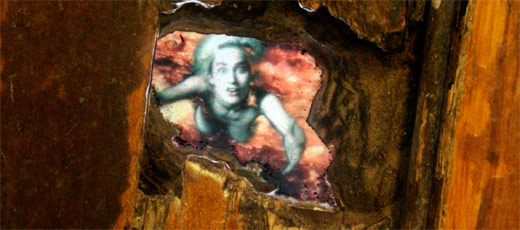
Pipilotti Rist in the floor at PS1 – Selbstlos im Lavabad (Selfless in the Bath of Lava)
How Sound Can Change A Space
Final Cut Pro X: How to Disable The Magnetic Timeline
Disable the magnetic when editing and deleting clips. These great techniques will help you to take control of your timeline’s main storyline and connected clips.
How do I disable the Magnetic Timeline?
This video runs through how to disable the magnetic timeline.

Timeline Navigation Tips & Shortcuts – Edit Quicker
Master timeline navigation with these great tips.
Precision Timeline Navigation & Useful Editing Shortcuts
About My Final Cut Pro X Tutorials
My Final Cut Pro X help tutorials aim to answer the tricky questions that users come across every day. These are great classes if you want to learn Final Cut Pro X and each lesson or tip will guide you through in easy to follow steps.
If you are a beginner looking for tutorials in Final Cut Pro X take a look at my free introductory lesson “Final Cut Pro X Beginner Tutorial: Import, Edit & Export in 25 Minutes” which will get you started. This basic tutorial gives you a full run through of how to what you need to know in order to edit videos.
About My Live Online Training & In Classroom Training
I am a professional trainer of Final Cut Pro X, Adobe Premiere Pro, Adobe Photoshop, Adobe InDesign, Adobe Acrobat Pro & Adobe Illustrator.
I regularly teach classes in Regina and across Saskatchewan as well as running live online workshops. If you’d like to find out more then please drop me a message design@benhalsall.com.


Randomly generated Group of Seven landscape created in Processing
I love this randomly generated landscape created in Processing from Georgiy Yakubenko’s project for re-imagining Lawren Harris “Bylot Island 1” landscape through code, you need to follow the link below for the full effect.
This project was created on the CTCT204 course in the Creative Technologies program at the University of Regina that Dr. Megan L. Smith is teaching.
Check out the live version on Open Processing – http://www.openprocessing.org/sketch/302612.
