3 free Final Cut Pro X Tutorials For Beginners – Get Started with Importing, Editing & Uploading

[et_pb_section admin_label=”section”][et_pb_row admin_label=”row”][et_pb_column type=”2_3″][et_pb_text admin_label=”Text” background_layout=”light” text_orientation=”left” use_border_color=”off” border_color=”#ffffff” border_style=”solid”]

If you want to get started with Final Cut Pro X then these three tutorials will get you up and running. Together they offer some great tips, tricks and answer all the important questions  you will stumble upon as you begin to edit with Final Cut Pro X.

Learn Final Cut Pro X in 25 Minutes – From Import to Edit & Export with Ben Halsall

Intro to Final Cut Pro X Tutorial by David A. Cox

“Learning Final Cut Pro X” Lesson 1: The FCPX Interface with Stefanie Mullen

Videography & Editing

  • Video Editing
  • Video Production
  • After Effects & Motion Graphics
  • Corporate Presentations
  • Short Promotional Videos
  • Product Tutorials

View my rates for videography and video editing Canadian Dollars

Computer Software Training

  • Adobe software training
  • Apple software training
  • Microsoft software training
  • Software Support for Mac OS X & Applications
  • Online Video Tutorials
  • Online teaching via Skype

View my training rates Canadian Dollars | US Dollars


Graphic Design

Web Design & Design for Social Media

  • Web design
  • Web design with WordPress
  • Web design with Adobe Dreamweaver
  • Graphic Design for Facebook, LinkedIn & Twitter

    Get in touch

    Your Name

    Your Email

    Your Location

    Wherever you are I am happy to provide a quote. I am based in Kelowna but can easily provide a quote for classes across Canada. Over the past few years I have taught in-house classes in Ottawa, Regina, Vancouver, Calgary & Montréal.

    Your Phone Number

    Often its quicker to answer your questions about training & other projects over the phone.

    What would you like to ask me about?

    Sign up to for course info & schedule.

    Your Message

    [/et_pb_text][/et_pb_column][et_pb_column type=”1_3″][et_pb_text admin_label=”Adsense” background_layout=”light” text_orientation=”left” use_border_color=”off” border_color=”#ffffff” border_style=”solid”]


    [/et_pb_text][/et_pb_column][/et_pb_row][/et_pb_section]
    Illustrator: Gradients & Polygon Patterns for Design Backgrounds #adobeillustrator #tutorial #design #yqr #training

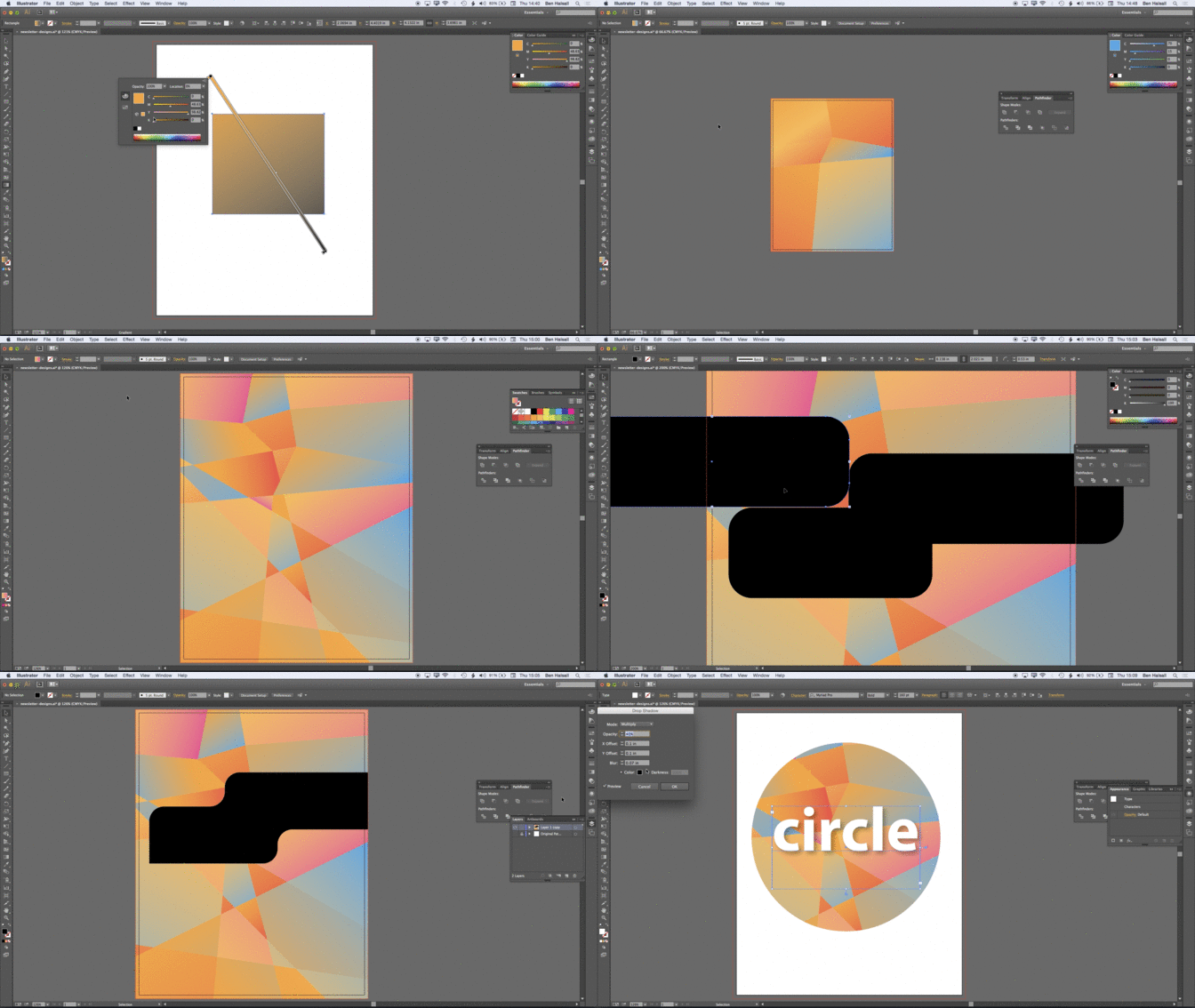
    In my new class Illustrator: Gradients & Polygon Patterns for Design Backgrounds you will learn how to creat gradient and polygon backgrounds that can be wrapped up into custom shapes in Adobe Illustrator.

    This is a great way to add a contemporary design look and feel to your Newsletter, Magazine or Poster Design.

    In the animated GIF below you can see a quick overview of the topics what will be covered.

    output_NU4Uja

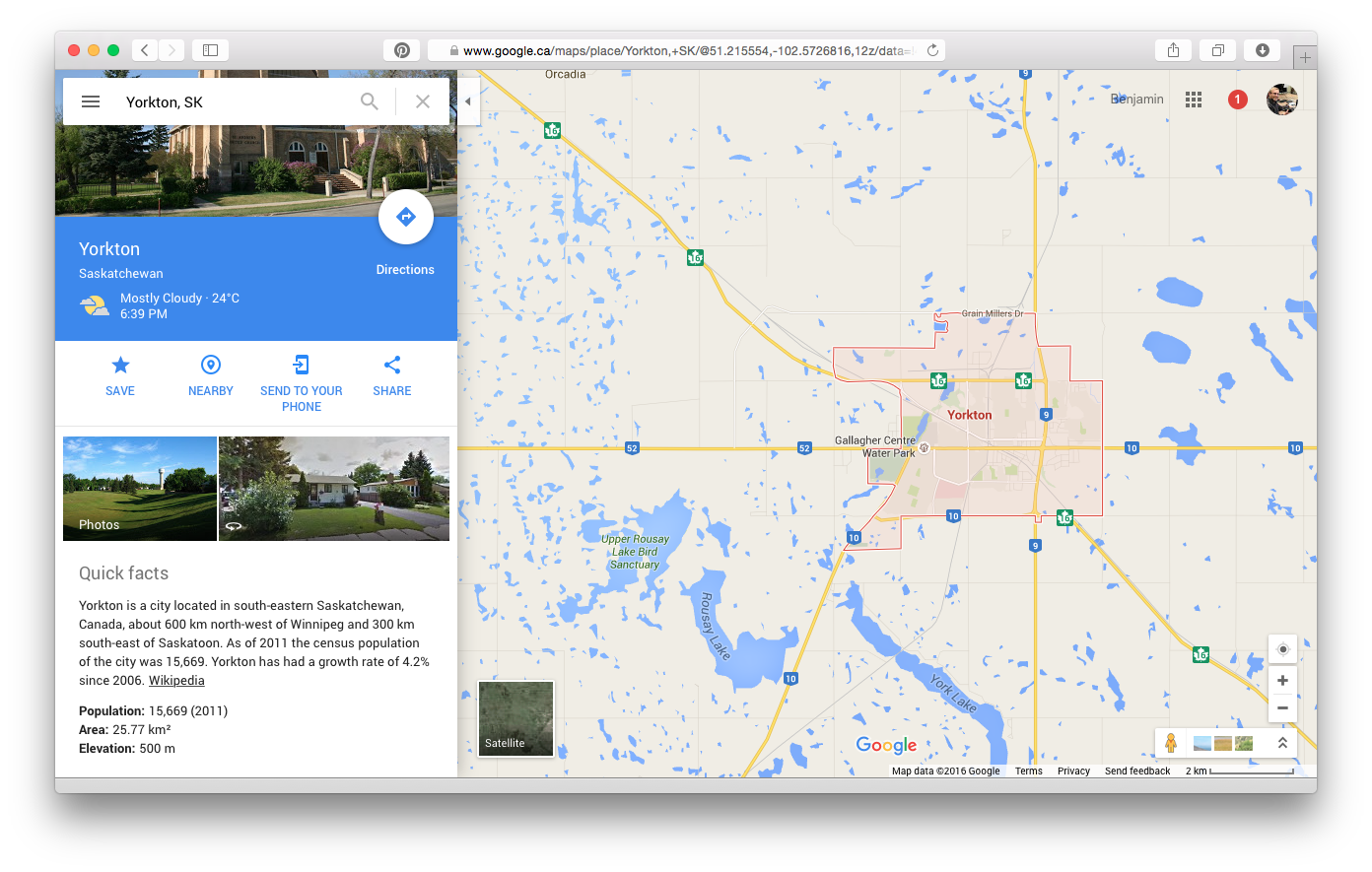
    Video Production Course in Yorkton #sask #training

    It has been a great first day in Yorkton where I am teaching my an introduction to video production and editing to a team of communications and social media specialists. We’ve covered the basics of planning, capturing video, lighting and recording professional quality sound in the first of this two day workshop.

    Its always great to see how different teams are using video as a communications tools in their organisations. Here there is a real focus on capturing stories from the different teams working across a large and geographically disparate community of co-workers. It will also feed into some internal and external communications channels which will include social media.

    Within a day we’ve worked through some essential lighting skills with some great results and tomorrow we will move onto editing some of the interviews footage that we captured today.

    ben-halsall
    Testing our lighting setup with a quick selfie.

    Graphic Design, Video Editing & Software Training

    Here is a list of courses that are on offer. Courses can be taught in-house, at a venue or online and I can customise courses to suit your needs. Just drop me an e-mail at design@benhalsall.com to find out more & to get a quote.

    Request a course, location & dates >>