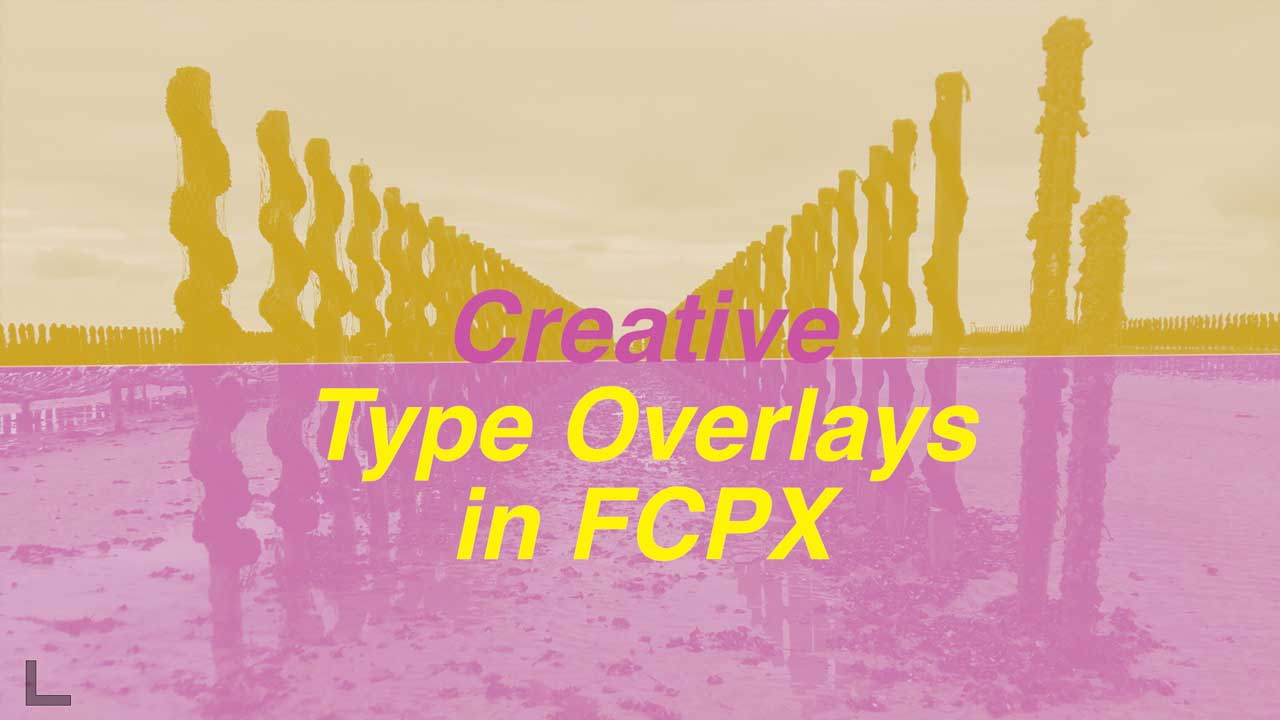
Final Cut Pro X Tutorial: Creative Type Overlays #fcpx #finalcutprox

[et_pb_section admin_label=”section”][et_pb_row admin_label=”row”][et_pb_column type=”2_3″][et_pb_text admin_label=”Text” background_layout=”light” text_orientation=”left” use_border_color=”off” border_color=”#ffffff” border_style=”solid”]

Need to make your text pop over a busy or moving video background? This tutorial runs through some easy techniques for manually making type overlays with backgrounds that blend beautifully with your video.

So whether you are a beginner or seasoned editor check out this creative titles tutorial. Enjoy!

About My Final Cut Pro X Tutorials
My Final Cut Pro X help tutorials aim to answer the tricky questions that users come across everyday. These are great classes if you want to learn Final Cut Pro X and each lesson or tip will guide you through in easy to follow steps.

If you are a beginner looking for tutorials in Final Cut Pro X take a look at my free introductory lesson “Final Cut Pro X Beginner Tutorial : Import, Edit & Export in 25 Minutes” which will get you started. This basic tutorial gives you a full run through of how to what you need to know in order to edit videos.

[/et_pb_text][/et_pb_column][et_pb_column type=”1_3″][et_pb_text admin_label=”Text” background_layout=”light” text_orientation=”left” use_border_color=”off” border_color=”#ffffff” border_style=”solid”]


[/et_pb_text][/et_pb_column][/et_pb_row][/et_pb_section]
3 Videos on Video Stabilization in Final Cut Pro X

[et_pb_section admin_label=”section”][et_pb_row admin_label=”row”][et_pb_column type=”2_3″][et_pb_text admin_label=”Text” background_layout=”light” text_orientation=”left” use_border_color=”off” border_color=”#ffffff” border_style=”solid”]

How To Stabilize Shaky Video – Final Cut Pro X Tutorial by KingTutsPro

How to Stabilize Video on Final Cut Pro X with Red Black Productions

How To Use Stabilization On Final Cut Pro X with MicBergsma

[/et_pb_text][/et_pb_column][et_pb_column type=”1_3″][et_pb_text admin_label=”Text” background_layout=”light” text_orientation=”left” use_border_color=”off” border_color=”#ffffff” border_style=”solid”]


[/et_pb_text][/et_pb_column][/et_pb_row][/et_pb_section]
Final Cut Pro X Tutorial: Install a Plugin Beginner Class #FCPXAMA #FCPX

[et_pb_section admin_label=”section”][et_pb_row admin_label=”row”][et_pb_column type=”2_3″][et_pb_text admin_label=”Text” background_layout=”light” text_orientation=”left” use_border_color=”off” border_color=”#ffffff” border_style=”solid”]

Learn how to download and install a plugin in Final Cut Pro X.

In this easy to follow tutorial you will learn a little about plugins in FCPX and where to install them on your Mac.

– – – – – – – – – – – – – – – – – – – – – – – – – – – – – – – – – – – – – – – – – – – – – – – – – – – – – – –

About My Final Cut Pro X Tutorials
My Final Cut Pro X help tutorials aim to answer the tricky questions that users come across everyday. These are great classes if you want to learn Final Cut Pro X and each lesson or tip will guide you through in easy to follow steps.

If you are a beginner looking for tutorials in Final Cut Pro X take a look at my free introductory lesson “Final Cut Pro X Beginner Tutorial : Import, Edit & Export in 25 Minutes” which will get you started. This basic tutorial gives you a full run through of how to what you need to know in order to edit videos.

[/et_pb_text][/et_pb_column][et_pb_column type=”1_3″][et_pb_text admin_label=”Text” background_layout=”light” text_orientation=”left” use_border_color=”off” border_color=”#ffffff” border_style=”solid”]


[/et_pb_text][/et_pb_column][/et_pb_row][/et_pb_section]
Final Cut Pro X Resources – Alex4D – Film editor and Final Cut Pro X plugin maker

[et_pb_section admin_label=”section”][et_pb_row admin_label=”row”][et_pb_column type=”2_3″][et_pb_text admin_label=”Text” background_layout=”light” text_orientation=”left” use_border_color=”off” border_color=”#ffffff” border_style=”solid”]

Alex Gollner is the guru of animation plugins for Final Cut Pro X. Explore his web-site and find plugins for timecode overlays, pulling focus and title animations.

You can also check out his YouTube channel for demonstrations of his plugins.

About this section of my site:
I am beginning to collect a list of Final Cut Pro X resources on my web-site. If you have plugins, motion templates, tutorials or other resources that you use daily then just drop me an e-mail and I will happily add them here.


[/et_pb_text][/et_pb_column][et_pb_column type=”1_3″][et_pb_text admin_label=”Text” background_layout=”light” text_orientation=”left” use_border_color=”off” border_color=”#ffffff” border_style=”solid”]


[/et_pb_text][/et_pb_column][/et_pb_row][/et_pb_section]

Final Cut Pro | Best Split Screen Tutorials

Explore the art of split screen creation using Final Cut Pro without breaking the bank. These curated tutorials cover classic 4-Up, before and after, diagonal, and blended split screens, utilizing built-in tools or the excellent Splitz 2 plugin by BretFX. Elevate your projects with professional visuals and learn techniques to enhance your editing skills. Join in discovering the diverse possibilities of editing with Final Cut Pro.

Split Screens in Final Cut Pro

Classic 4-Up Split Screen

Create a classic 4-Up split screen with the built-in-tools in Final Cut Pro. A great tutorial for editors on a budget who need to create pixel perfect split screens.

Create a Before and After Split with or Without a Plugin

Create a cool before and after, animated, split using Final Cut Pro’s cropping features or the BretFX Quick List plugin.

Diagonal Split Screen

Using Final Cut Pro’s built-in Draw Mask Tools create this excellent animated diagonal split of two videos. A creative use of the tools that all Final Cut Pro editors have at their disposal.

Blended Two Videos Seamlessly

This video used a smart selection of footage and tools to blend two pieces of video together without any dividing lines. Very cool for a smooth and professional look for your creative content.

BretFX Splitz 2 Plugin

My favourite tool for creative, animated splits and one of the best out there on the market. Splitz 2 from BretFX is an excellent addition to any editors suite of plugins.

Get in touch

I am excited to share a series of tutorials on split screen editing using Final Cut Pro! From classic layouts to dynamic arrangements, these tutorials cover various techniques to enhance your editing skills. Whether you’re a beginner or a seasoned pro, there’s something for everyone. We’d love to hear your thoughts and feedback at design@benhalsall.com. Join us in exploring the possibilities of split screen editing!

3 Beginner Color Correction Tutorials in Final Cut Pro X

[et_pb_section admin_label=”section”][et_pb_row admin_label=”row”][et_pb_column type=”2_3″][et_pb_text admin_label=”Text” background_layout=”light” text_orientation=”left” use_border_color=”off” border_color=”#ffffff” border_style=”solid”]

Below are 3 beginner Final Cut Pro X tutorials that are excellent for getting started with Color Correction, aka Color Grading.

Final Cut Pro X Beginner Tutorial: Balancing & Correcting Color Essentials with Ben Halsall

Beginners Guide to Color Correction In Final Cut Pro X (FCPX) with Bruce Naylor

Final Cut Pro X tutorial: Following a proper color correction workflow with Ashley Kennedy

[/et_pb_text][/et_pb_column][et_pb_column type=”1_3″][et_pb_text admin_label=”Text” background_layout=”light” text_orientation=”left” use_border_color=”off” border_color=”#ffffff” border_style=”solid”]


[/et_pb_text][/et_pb_column][/et_pb_row][/et_pb_section]