Final Cut Pro X 10.3 collection of video tutorials, reviews & resources #fcpx

[et_pb_section admin_label=”section”][et_pb_row admin_label=”row”][et_pb_column type=”3_4″][et_pb_text admin_label=”Text” background_layout=”light” text_orientation=”left” use_border_color=”off” border_color=”#ffffff” border_style=”solid”]

I am gradually collecting a series of reviews, resources and video tutorials for Apple’s latest iteration of its professional Video Editing Application – Final Cut Pro X 10.3. If you know of resources, videos or groups that are worth listing here then let me know.

[/et_pb_text][et_pb_text admin_label=”Text” background_layout=”light” text_orientation=”left” use_border_color=”off” border_color=”#ffffff” border_style=”solid”]

New Final Cut Pro X 10.3 Video Tutorials

Watch this playlist of 15 Final Cut Pro X videos on YouTube >

[/et_pb_text][et_pb_text admin_label=”Text” background_layout=”light” text_orientation=”left” use_border_color=”off” border_color=”#ffffff” border_style=”solid”]

Useful articles taking a first look at the newly redesigned Final Cut Pro X 10.3 and its features

[box]

Final Cut Pro X Update – 10.3 First Hands-On Review by Ollie Kenchington

[/box] [box]

10 awesome new Final Cut Pro X version 10.3 features by Jeff Benjamin

[/box] [box]

Final Cut Pro X 10.3 – First Look by fcpxpert.net

[/box] [box]

Final Cut Pro X 10.3 – What’s New: An all-star cast of new features by Apple.com

[/box] [box]

Final Cut Pro X Gets Full Redesign for 10.3

[/box] [box]

All the New Features in FCPX 10.3 by Jonny Elwyn

[/box] [/et_pb_text][/et_pb_column][et_pb_column type=”1_4″][et_pb_text admin_label=”Text” background_layout=”light” text_orientation=”left” use_border_color=”off” border_color=”#ffffff” border_style=”solid”]


[/et_pb_text][et_pb_text admin_label=”Text” background_layout=”light” text_orientation=”left” use_border_color=”off” border_color=”#ffffff” border_style=”solid”]


[/et_pb_text][/et_pb_column][/et_pb_row][/et_pb_section]
Discussing Composition by @Divisionzero5 #design #graphicdesign

[et_pb_section admin_label=”section”][et_pb_row admin_label=”row”][et_pb_column type=”2_3″][et_pb_text admin_label=”Text” background_layout=”light” text_orientation=”left” use_border_color=”off” border_color=”#ffffff” border_style=”solid”]

An awesome discussion of composition… well worth a watch.

>

[/et_pb_text][/et_pb_column][et_pb_column type=”1_3″][et_pb_text admin_label=”Text” background_layout=”light” text_orientation=”left” use_border_color=”off” border_color=”#ffffff” border_style=”solid”]


[/et_pb_text][/et_pb_column][/et_pb_row][/et_pb_section]

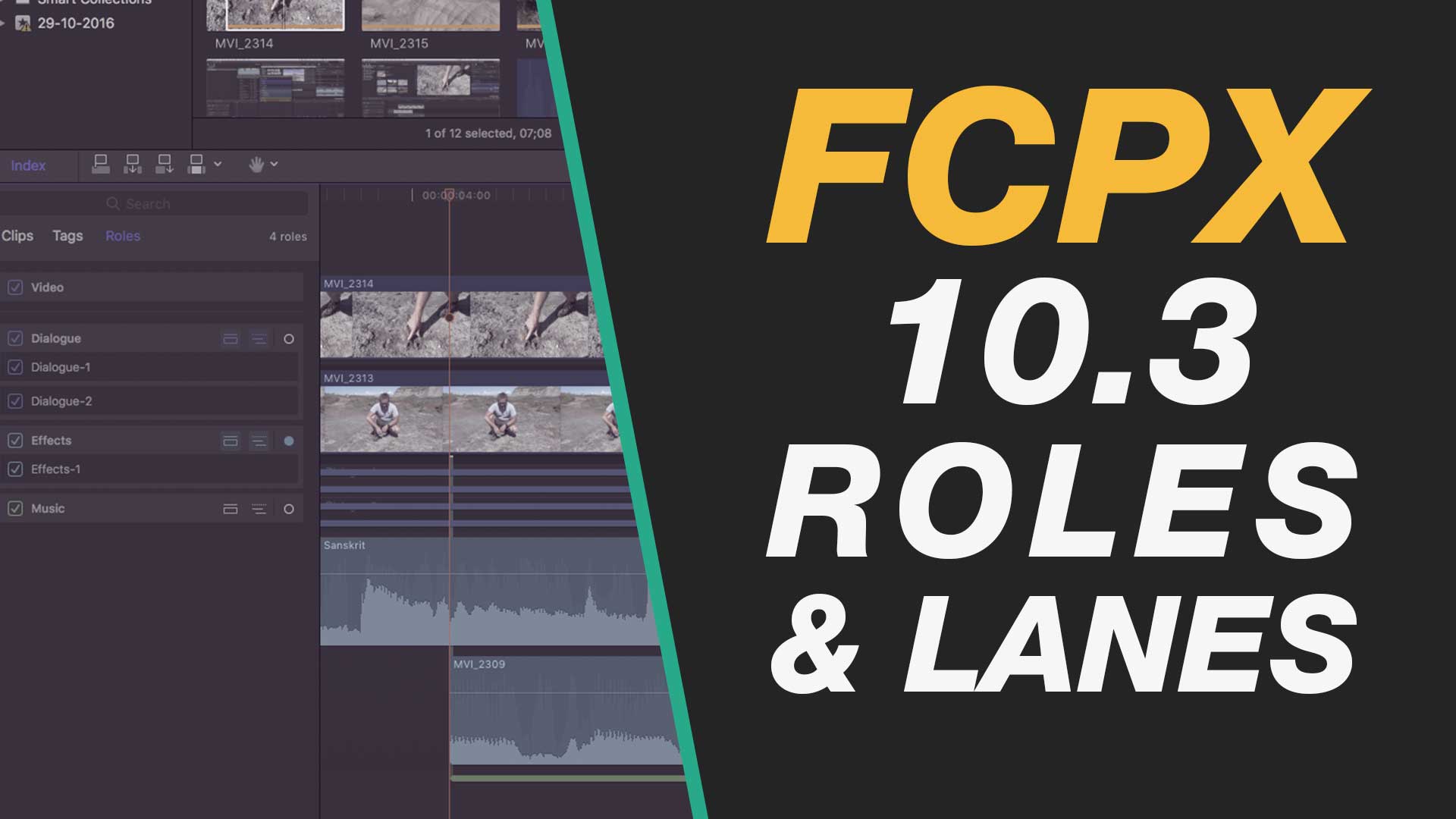
New Final Cut Pro X 10.3 – Lanes & Roles for Managing Video, Dialogue, Music & Sound Effects

[et_pb_section admin_label=”section”][et_pb_row admin_label=”row”][et_pb_column type=”2_3″][et_pb_text admin_label=”Text” background_layout=”light” text_orientation=”left” use_border_color=”off” border_color=”#ffffff” border_style=”solid”]

New in Final Cut Pro X 10.3 is the introduction of Lanes into the Roles feature of Apple’s professional video editing software. The introduction of lanes is a great addition which enables a fluid grouping of clips visually on the timeline as groups for dialogue, effects, music and custom roles and sub-roles that editors create.

This tutorial introduces the basic functionality of roles and lanes in Final Cut Pro X 10.3 and it is definitely a feature that is worth learning more about if you are working on complex edits with more than one editor.

[/et_pb_text][/et_pb_column][et_pb_column type=”1_3″][et_pb_text admin_label=”Text” background_layout=”light” text_orientation=”left” use_border_color=”off” border_color=”#ffffff” border_style=”solid”]


[/et_pb_text][/et_pb_column][/et_pb_row][/et_pb_section]
La Santa Outer Reef Goes XXL – Amazing Waves #surftrip #surfing #surffilm

[et_pb_section admin_label=”section”][et_pb_row admin_label=”row”][et_pb_column type=”2_3″][et_pb_text admin_label=”Text” background_layout=”light” text_orientation=”left” use_border_color=”off” border_color=”#ffffff” border_style=”solid”]

“Lanzarote is an island that have always given me very good vibes. I have some amazing memories from here.
This place is unreal. Its people live intensively the ocean and I feel that I identify with them
But this time the swell was different. When the wind switched, I was able to see a wave that I never heard of.
And now I think people will talk about it.”

natxogonzalez.com | jonaspuru.com

LA SANTA · OUTER REEF from Jon Aspuru on Vimeo.

[/et_pb_text][/et_pb_column][et_pb_column type=”1_3″][et_pb_text admin_label=”Text” background_layout=”light” text_orientation=”left” use_border_color=”off” border_color=”#ffffff” border_style=”solid”]


[/et_pb_text][/et_pb_column][/et_pb_row][/et_pb_section]
Final Cut Pro X 10.3 – Novedades via @finalcutproes #fcpx #fcpxama #spanish

[et_pb_section admin_label=”section”][et_pb_row admin_label=”row”][et_pb_column type=”2_3″][et_pb_text admin_label=”Text” background_layout=”light” text_orientation=”left” use_border_color=”off” border_color=”#ffffff” border_style=”solid”]

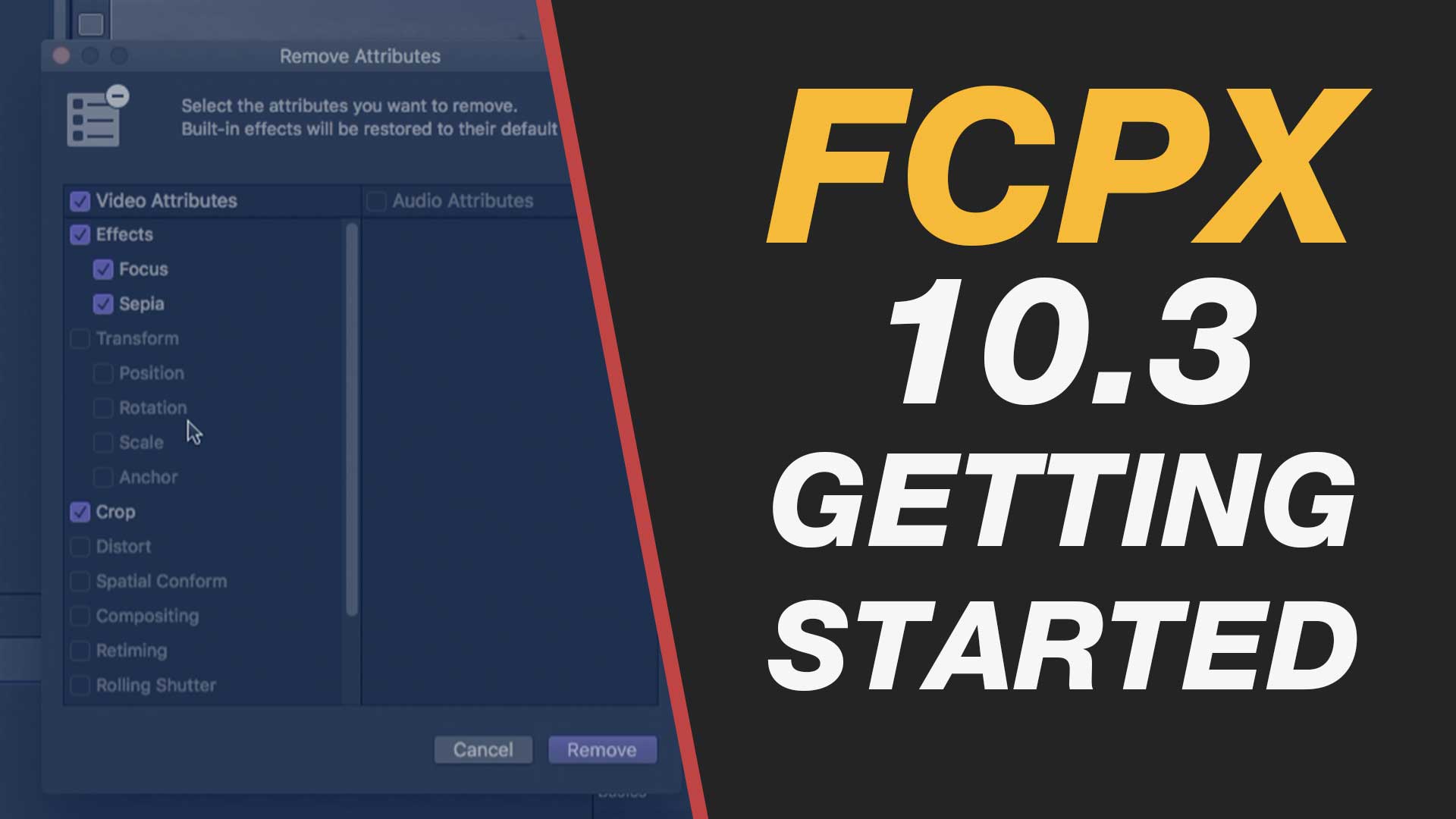
En este vídeo desgranamos las principales novedades de la nueva versión. Incluye nuevas prestaciones para el entorno profesional. Interfaz Espacios de trabajo Bibliotecas de sonido Inspector expandible Reproducción continua en el Explorador Eliminar atributos Trimar clips conectados Aplicar Fundidos Timeline Magnético 2 Mezcla de sonido con Roles y Subroles Cortes Fluidos

[/et_pb_text][/et_pb_column][et_pb_column type=”1_3″][et_pb_text admin_label=”Text” background_layout=”light” text_orientation=”left” use_border_color=”off” border_color=”#ffffff” border_style=”solid”]


[/et_pb_text][/et_pb_column][/et_pb_row][/et_pb_section]
New Final Cut Pro X 10.3 – Change Length of Multiple Transitions, Titles or Images Quickly & Easily #fcpx #fcpx103

[et_pb_section admin_label=”section”][et_pb_row admin_label=”row”][et_pb_column type=”2_3″][et_pb_text admin_label=”Text” background_layout=”light” text_orientation=”left” use_border_color=”off” border_color=”#ffffff” border_style=”solid”]

This technique for selecting multiple transitions, titles or images on your timeline will save you time and give you an insight into the power of the timeline index feature.

You will learn:
– Quick and easy ways to select multiple transitions, clips or images on your timeline
– Methods for changing the duration of multiple timeline elements in one go
– Searching for specific content on your timeline
– Shortcuts for making quick edits

If you work with long edits, presentation slideshows or multiple titles this Final Cut Pro X 10.3 tutorial will grow your understanding of how to work effectively with your edits.

[/et_pb_text][/et_pb_column][et_pb_column type=”1_3″][et_pb_text admin_label=”Text” background_layout=”light” text_orientation=”left” use_border_color=”off” border_color=”#ffffff” border_style=”solid”]


[/et_pb_text][/et_pb_column][/et_pb_row][/et_pb_section]

New Final Cut Pro X 10.3 – Stabilize Shaky Footage Beginner Tutorial #fcpx #fcpxama #yqr #yvr #yxe

[et_pb_section admin_label=”section”][et_pb_row admin_label=”row”][et_pb_column type=”2_3″][et_pb_text admin_label=”Text” background_layout=”light” text_orientation=”left” use_border_color=”off” border_color=”#ffffff” border_style=”solid”]

Learn to stabilise shaky video footage in Apple’s new version of its professional video editing application Final Cut Pro X 10.3.

The process is pretty much unchanged from earlier versions so if you are using Final Cut Pro 10.2 you will be able to follow the steps here.

[/et_pb_text][/et_pb_column][et_pb_column type=”1_3″][et_pb_text admin_label=”Text” background_layout=”light” text_orientation=”left” use_border_color=”off” border_color=”#ffffff” border_style=”solid”]


[/et_pb_text][/et_pb_column][/et_pb_row][/et_pb_section]

15 New Final Cut Pro X 10.3 Tutorials including the new MacBook Pro Touch Bar in action

[et_pb_section admin_label=”section”][et_pb_row admin_label=”row”][et_pb_column type=”3_4″][et_pb_text admin_label=”Text” background_layout=”light” text_orientation=”left” use_border_color=”off” border_color=”#ffffff” border_style=”solid”]

New Final Cut Pro X 10.3 Video Tutorials

Watch this playlist of 15 Final Cut Pro X videos on YouTube >

[/et_pb_text][et_pb_text admin_label=”Text” background_layout=”light” text_orientation=”left” use_border_color=”off” border_color=”#ffffff” border_style=”solid”]

Useful articles taking a first look at the newly redesigned Final Cut Pro X 10.3 and its features

[box]

Final Cut Pro X Update – 10.3 First Hands-On Review by Ollie Kenchington

[/box]
[box]

10 awesome new Final Cut Pro X version 10.3 features by Jeff Benjamin

[/box]
[box]

Final Cut Pro X 10.3 – First Look by fcpxpert.net

[/box]
[box]

Final Cut Pro X 10.3 – What’s New: An all-star cast of new features by Apple.com

[/box]

[box]

Final Cut Pro X Gets Full Redesign for 10.3

[/box]

[box]

All the New Features in FCPX 10.3 by Jonny Elwyn

[/box]

[/et_pb_text][/et_pb_column][et_pb_column type=”1_4″][et_pb_text admin_label=”Text” background_layout=”light” text_orientation=”left” use_border_color=”off” border_color=”#ffffff” border_style=”solid”]


[/et_pb_text][et_pb_text admin_label=”Text” background_layout=”light” text_orientation=”left” use_border_color=”off” border_color=”#ffffff” border_style=”solid”]


[/et_pb_text][/et_pb_column][/et_pb_row][/et_pb_section]

Brand New Final Cut Pro X 10.3 Video Tutorials for October 2016 #fcpx #fcpx103 #apple #upgrade

[et_pb_section admin_label=”section”][et_pb_row admin_label=”row”][et_pb_column type=”2_3″][et_pb_text admin_label=”Text” background_layout=”light” text_orientation=”left” use_border_color=”off” border_color=”#ffffff” border_style=”solid”]

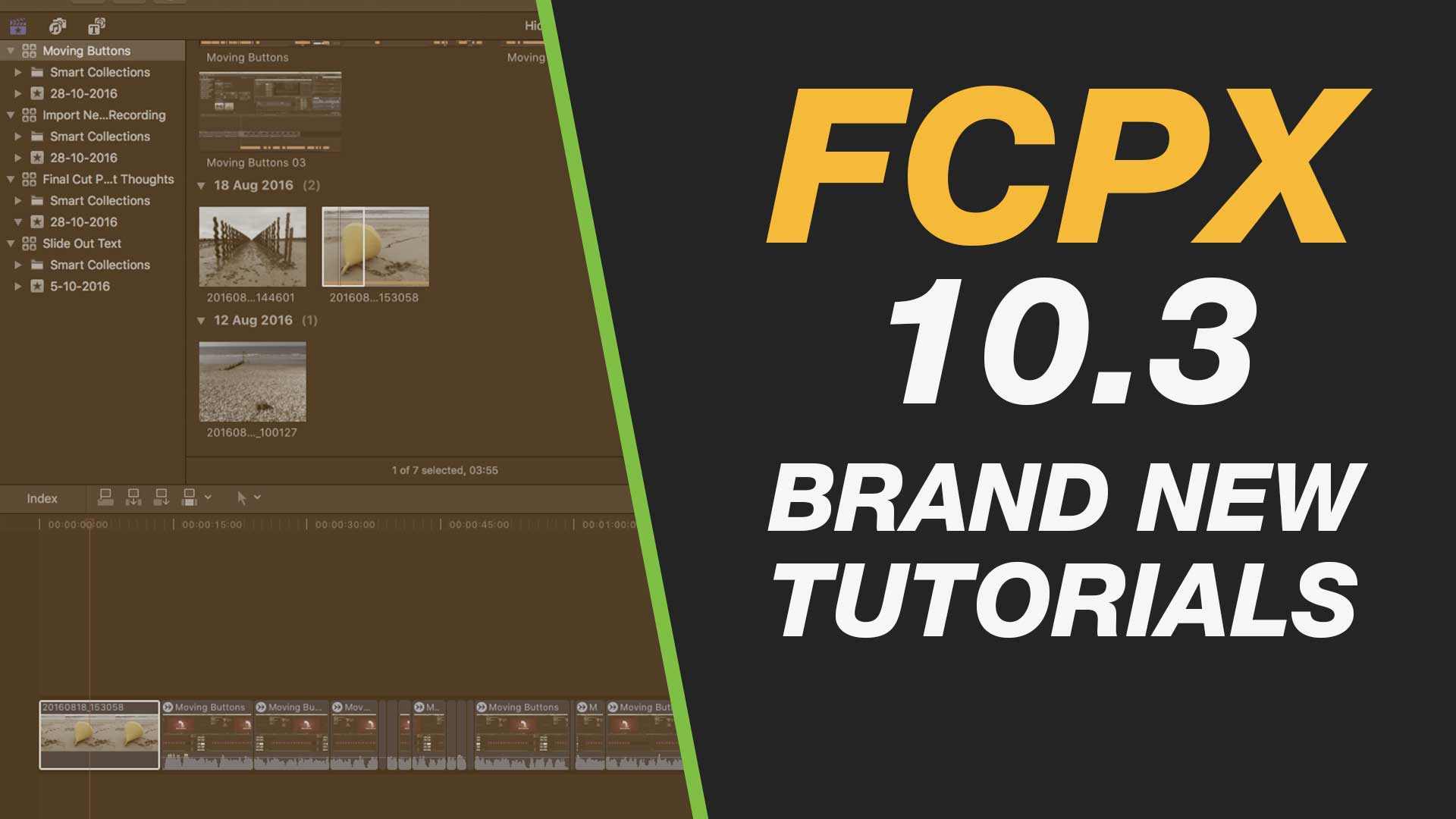
Final Cut Pro 10.3 – First Look, Thoughts on Upgrading, Running Legacy Versions & Updating Libraries

Final Cut Pro 10.3 – Importing, Transcoding to Proxy & Background Tasks

Final Cut Pro 10.3 – Important Buttons That Have Moved in the 10.3 Interface

[/et_pb_text][et_pb_text admin_label=”Text” background_layout=”light” text_orientation=”left” use_border_color=”off” border_color=”#ffffff” border_style=”solid”]

Other Resources

The Final Cut Pro X 10.3 Master List of News & Articles (fcp.co)

Final Cut Pro 10.3 New Features: Introduction from Steve & Mark (Ripple Training)

[/et_pb_text][/et_pb_column][et_pb_column type=”1_3″][et_pb_text admin_label=”Text” background_layout=”light” text_orientation=”left” use_border_color=”off” border_color=”#ffffff” border_style=”solid”]


[/et_pb_text][/et_pb_column][/et_pb_row][/et_pb_section]

Digital vs. Traditional Media for Design Sketching via @mold3d #drawing #digital #analog

[et_pb_section admin_label=”section”][et_pb_row admin_label=”row”][et_pb_column type=”2_3″][et_pb_text admin_label=”Text” background_layout=”light” text_orientation=”left” use_border_color=”off” border_color=”#ffffff” border_style=”solid”]

A list of pro’s and con’s of using traditional media vs. digital tools for sketching for design.

[/et_pb_text][/et_pb_column][et_pb_column type=”1_3″][et_pb_text admin_label=”Text” background_layout=”light” text_orientation=”left” use_border_color=”off” border_color=”#ffffff” border_style=”solid”]


[/et_pb_text][/et_pb_column][/et_pb_row][/et_pb_section]