If you are new to Adobe InDesign then this instructor led two day course is for you. With hands-on lessons you will quickly be up and running and ready to create designs for print and the web. So whether you need to create your own designs from scratch or work with templates designed by other graphic designers this class has it all.
Adobe InDesign: Essentials introduces the key concepts and skills you will need. You will learn to create documents, work effectively with type, design your own layouts, place images and prepare your designs for outputting for print, make PDFs as well as how to output your designs for the web and social media.
So whether you are designing annual reports, flyers, newsletters or need to create designs for your online social media presence on Facebook or Twitter then check out the course outline below.
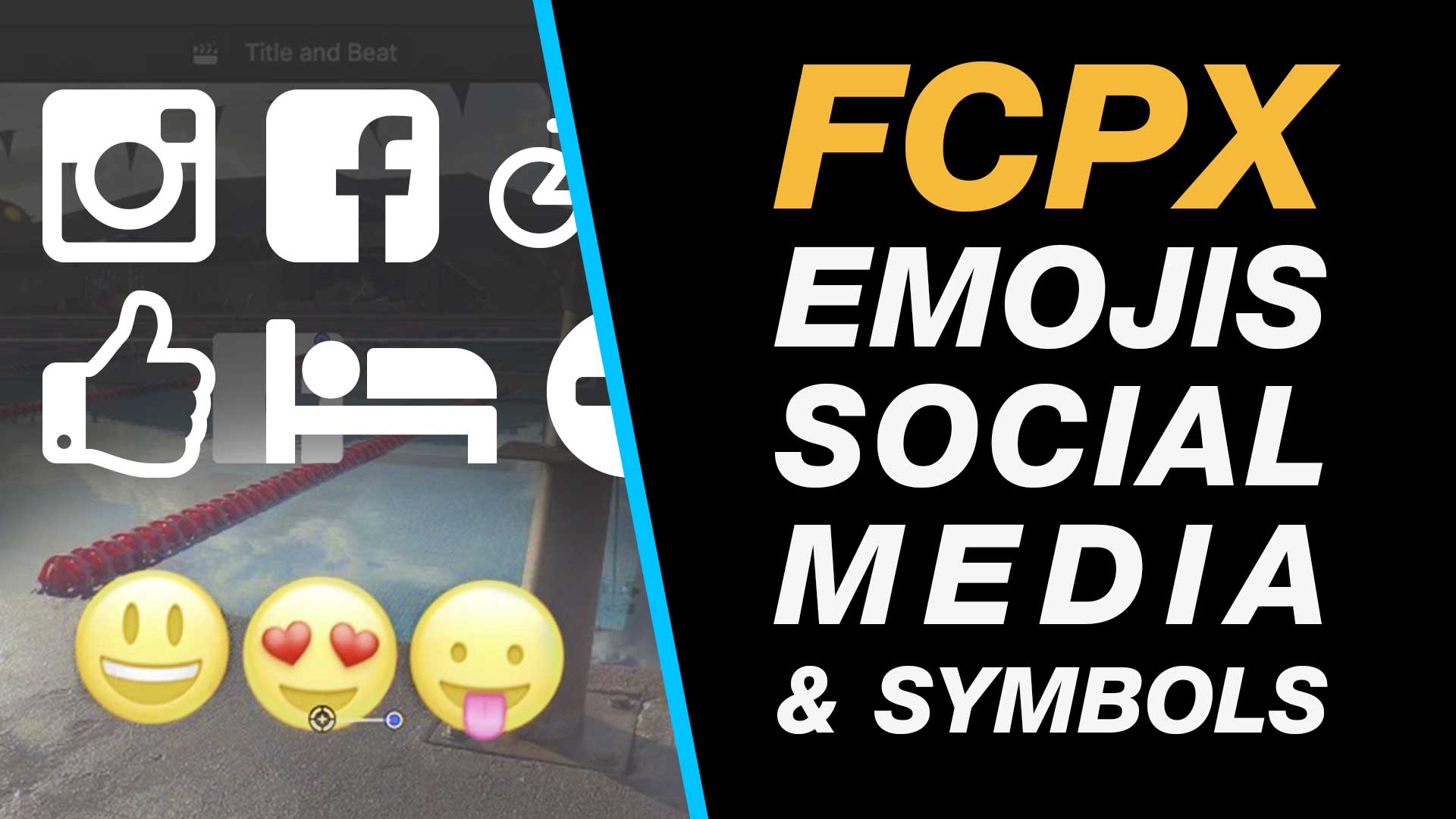
If you need to add social media icons, emojis or other contemporary icons and graphics then this tutorial will rung you through how to do this step-by-step. Without using an external plugins add & and animate custom typographical and emoji icons right on your Final Cut Pro X timeline.
My Final Cut Pro X help tutorials aim to answer the tricky questions that users come across everyday. These are great classes if you want to learn Final Cut Pro X and each lesson or tip will guide you through in easy to follow steps.
If you are a beginner looking for tutorials in Final Cut Pro X take a look at my free introductory lesson “Final Cut Pro X Beginner Tutorial : Import, Edit & Export in 25 Minutes” which will get you started. This basic tutorial gives you a full run through of how to what you need to know in order to edit videos.
About My Live Online Training & In Classroom Training
I am a professional trainer of Final Cut Pro X, Adobe Premiere Pro, Adobe Photoshop, Adobe InDesign, Adobe Acrobat Pro & Adobe Illustrator.
I regularly teach classes in Regina and across Saskatchewan as well as running live online workshops. If you’d like to find out more then please drop me a message design@benhalsall.com or visit my web-site www.benhalsall.com .
Tags:
Missing timeline clips fcpx, solving missing clips problem in final cut pro x, my clips are missing from timeline in final cut pro x, Make speed changes in Final Cut Pro X, Speed up Titles, Using Markers in Final Cut Pro X, Working with Markers, Final Cut Pro X tutorial, Final Cut Pro X Beginner Tutorial, Chapter Markers in FCPX, Ways to view audio clips – Apple FCPX, Adjust Timeline Settings – Waveforms – FCPX, Waveform Size in Timeline, Audio Editing in Final Cut Pro X, View Audio Waveform in Final Cut Pro X, View Waveform in FCPX,size of audio waveforms, Removing Lens Dirt & Dust, Dust Spot Removal in Final Cut Pro X, Fix Camera Spot, Garbage Matte Tutorial, Remove Dust and Dirt form Camera Shot, Connected Clips Tutorial, Layers tutorial for Final Cut Pro X, Mange Your Timeline in Final Cut Pro X, Connected Clips in Final Cut Pro X, Final Cut Pro X Beginner Tutorial, Beginner Lesson for Final Cut Pro X, Learn Final Cut Pro X for Beginners, Final Cut Pro X: An Beginner’s Introduction, The Beginners Guide to Learning FCPX | Ben Halsall, Final Cut Pro – Basics Training – Ben Halsall, Final Cut Pro X Essentials, Final Cut Pro X 101, fcpx tutorials for beginners, final cut pro beginner, final cut 7 tutorial beginner, final cut pro 7 tutorial beginner,fcpx tutorial free download,youtube final cut ben halsall, final cut pro basics, final cut pro basics 2015,final cut pro basics 2016,final cut pro basics 2017,final cut pro basics 2018,final cut pro basics 2019, final cut pro basics 2020,fcpx basics, final cut pro video tutorials,fcpx tutorial free download,final cut pro tutorial youtube,final cut pro 10 basics,how to use final cut pro 10,fcp 10 basic tutorial,fcpx tutorial pdf, final cut pro tutorials for beginners,final cut pro 7 basics,final cut pro 10 export,final cut pro 10 for windows,final cut pro 10 free download,final cut pro 7 tutorial beginner,youtube final cut pink floyd,final cut pro basics 2015, final cut pro intro, final cut pro x intro, final cut pro introduction, final cut pro x introduction, freeze frames in final cut pro x, speed change, speed ramp, working with titles, smart type overlays, overlay type in final cut pro x, overlay type using smart colour adjustment, split screen in final cut pro x, create split screen, copy and paste attributes, stop motion animation, timelapse animation, frame duration in final cut pro x, change frame duration in final cut pro x, final cut pro x beginner tutorial, add effects in final cut pro x, transitions in final cut pro, control transition duration, precision control of transition length, controlling transition length in fcpx, create square video in final cut pro x, create square video in fcpx, custom video resolution, create 1080 x 1080 video for instagram, create hi def square video in final cut pro x, final cut pro x tutorial, final cut pro x beginner tutorial, drag and drop editing, editing in final cut pro x, essential editing in final cut pro x, drag & drop editing, modify clips on the timeline, create a duotone in final cut pro x, duotone in fcpx, color effect in final cut pro x, final cut pro x 10.3 beginner tutorial, emojis in final cut pro x, add emoji in final cut pro x, add facebook icon in fcpx, add instagram icon in final cut pro x, add snapchat in fcpx, snapchat and fcpx, learn to add icons in fcpx
Get started with Final Cut Pro X with this awesome three day course taught by Ben Halsall.
Ben has over 15 years of experience editing and teaching Final Cut Pro. He works as a professional videographer & editor, taught BA (Hons) Broadcast Media Technologies in Leeds, UK and now lives and works in Canada where he also teaches part-time courses in video production and editing.
Final Cut Pro X – The Essentials covers everything you will need. From the basic interface, editing and timeline management, working with audio to creating a split screen the topics covered will help you on your way to getting the very best out of your video projects.
So whether you are looking to improve your editing skills, add some class to your YouTube channel or want to add Final Cut Pro X to your skills in Adobe Premiere Pro or Avid this hands-on training course will fit your needs.
Take a look at the course outline below for more information and get in touch if you have any questions.
Course Outline
Getting Started Introduction & Tour of The Interface
Setting Up Your Project – Libraries, Events & the Browser
Importing Video, Images & Audio
Editing – An Introduction
Marking Clips – selecting areas of your clips to use in an edit
Editing – Drag and drop editing
Editing Shortcuts – Speed Up Your Editing
Adjusting Your Edit
Split your clips on the timeline
Trim & Refine Your Clips On The Timeline
Move & Shuffle Clips on The Timeline
Refining Your Edit
Add transitions and fades to black
Adding Cutaways & Working With Video Layers
Essential Effects
Adding Effects
Colour Adjustments – The Basics Of Colour Grading
Split Screen – create a split screen using cropping & rescale
Retime – Speed Up and Slow Down Clips on The Timeline
Text & Graphics
Adding Titles To Your Edit
Add Lower Thirds
Add Shapes & Graphics
Importing Images & PDFs
Create Scrolling Credits (Credit Rolls)
Customising Your Project
Custom Project Setup – Control Resolution and Framerate
Rescale a Projects Resolution
Editing Tips & Tricks
Using J or L Cuts To Avoid Jump Cuts
Export Your Video To YouTube or Vimeo
Export A High Quality Video
Compositing & Effects
Image Transparency & Animation
From Photoshop to Final Cut – How to Animate Your Photoshop Layers
Stabilise Your Video Footage
Make Your Video Black & White or Add A Color Tint
Backing Up & Technical Considerations Essential File Management Considerations with Video
Backing Up – Back up and Move a Project to an External Drive
Improving Your System To Work With Video
Need in-house training or a different location?
This course can be delivered in-house, online or a venue can be arranged that works for your business.
I am primarily based in Regina, Saskatchewan but am able to deliver courses anywhere across Canada.
Ask Me Anything About Final Cut Pro X – The Essentials
You can send me an e-mail at design@benhalsall.com or use the form below. I look forward to hearing from you.
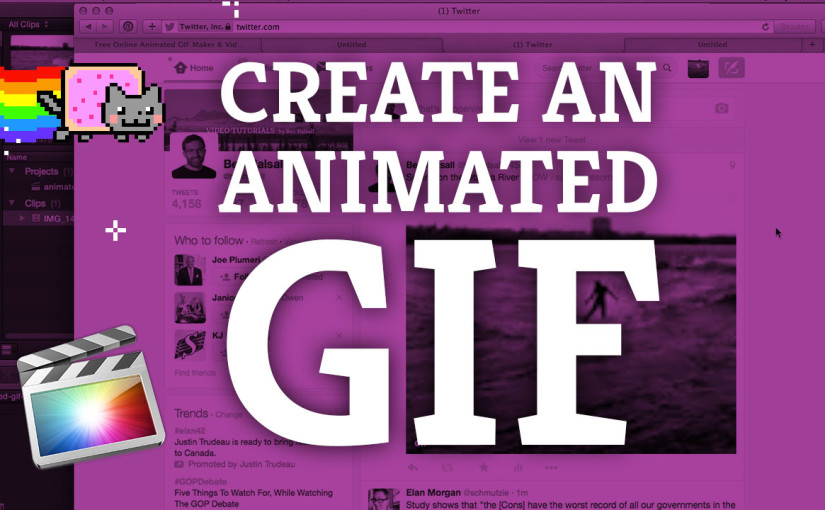
Learn how to create a video that will loop as an animated GIF and then run through the details of how to upload it to Twitter. This tutorial covers all the steps needed from trimming your original video to exporting and combining frames into an animated GIF.
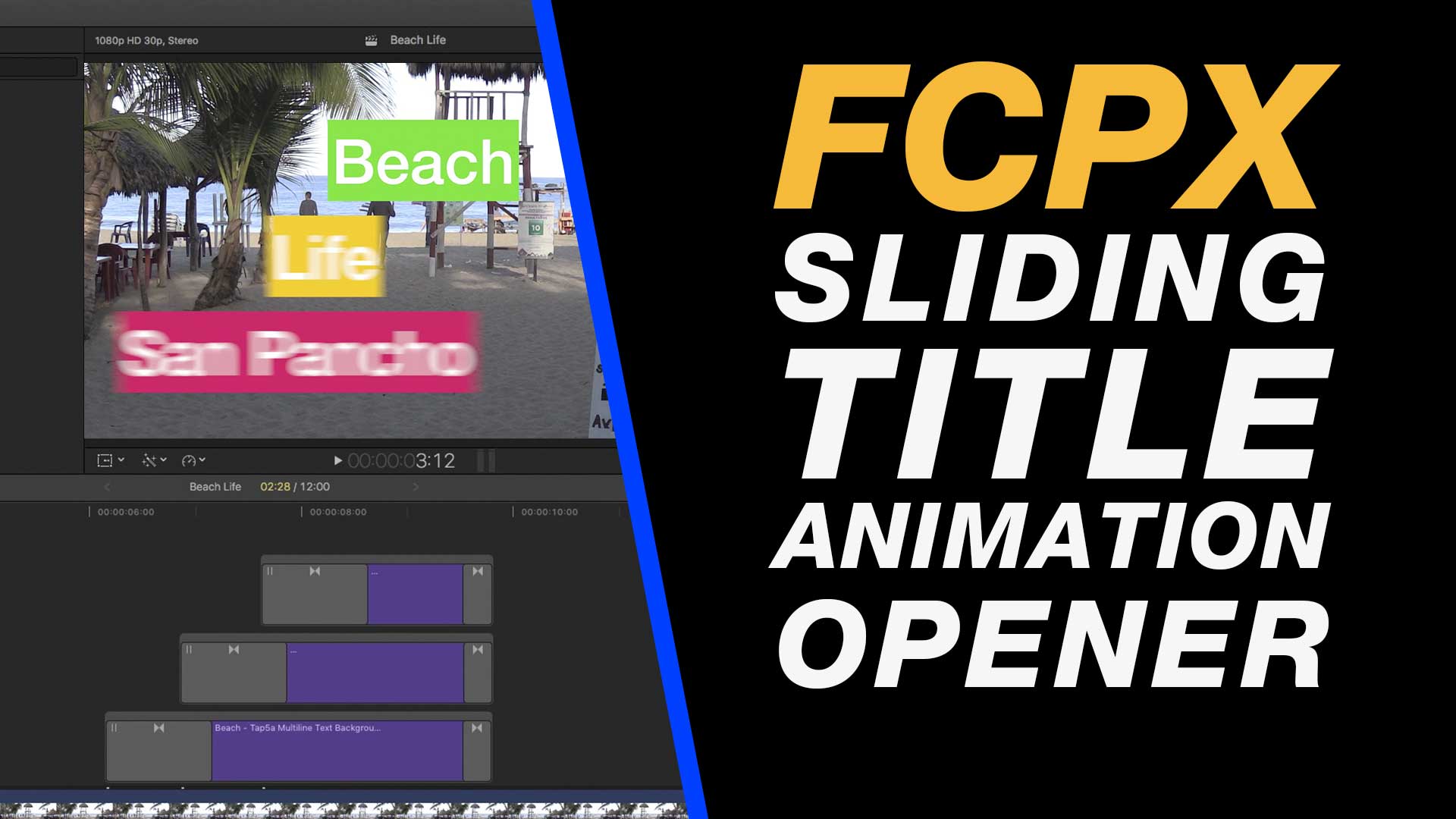
Create this awesome title sequence quickly and easily using the Tap5a Multiline Text Background Plugin that is free for Final Cut Pro X (download link below).
About My Final Cut Pro X Tutorials
My Final Cut Pro X help tutorials aim to answer the tricky questions that users come across everyday. These are great classes if you want to learn Final Cut Pro X and each lesson or tip will guide you through in easy to follow steps.
If you are a beginner looking for tutorials in Final Cut Pro X take a look at my free introductory lesson “Final Cut Pro X Beginner Tutorial : Import, Edit & Export in 25 Minutes” which will get you started. This basic tutorial gives you a full run through of how to what you need to know in order to edit videos.
About My Live Online Training & In Classroom Training
I am a professional trainer of Final Cut Pro X, Adobe Premiere Pro, Adobe Photoshop, Adobe InDesign, Adobe Acrobat Pro & Adobe Illustrator.
I regularly teach classes in Regina and across Saskatchewan as well as running live online workshops. If you’d like to find out more then please drop me a message design@benhalsall.com or visit my web-site www.benhalsall.com .
Tags:
Chapter Markers in FCPX, Ways to view audio clips – Apple FCPX, Adjust Timeline Settings – Waveforms – FCPX, Waveform Size in Timeline, Audio Editing in Final Cut Pro X, View Audio Waveform in Final Cut Pro X, View Waveform in FCPX,size of audio waveforms, Removing Lens Dirt & Dust, Dust Spot Removal in Final Cut Pro X, Fix Camera Spot, Garbage Matte Tutorial, Remove Dust and Dirt form Camera Shot, Connected Clips Tutorial, Layers tutorial for Final Cut Pro X, Mange Your Timeline in Final Cut Pro X, Connected Clips in Final Cut Pro X, Final Cut Pro X Beginner Tutorial, Beginner Lesson for Final Cut Pro X, Learn Final Cut Pro X for Beginners, Final Cut Pro X: An Beginner’s Introduction, The Beginners Guide to Learning FCPX | Ben Halsall, Final Cut Pro – Basics Training – Ben Halsall, Final Cut Pro X Essentials, Final Cut Pro X 101, fcpx tutorials for beginners, final cut pro beginner, final cut 7 tutorial beginner, final cut pro 7 tutorial beginner,fcpx tutorial free download,youtube final cut ben halsall, final cut pro basics, final cut pro basics 2015,final cut pro basics 2016,final cut pro basics 2017,final cut pro basics 2018,final cut pro basics 2019, final cut pro basics 2020,fcpx basics, final cut pro video tutorials,fcpx tutorial free download,final cut pro tutorial youtube,final cut pro 10 basics,how to use final cut pro 10,fcp 10 basic tutorial,fcpx tutorial pdf, final cut pro tutorials for beginners,final cut pro 7 basics,final cut pro 10 export,final cut pro 10 for windows,final cut pro 10 free download,final cut pro 7 tutorial beginner,youtube final cut pink floyd,final cut pro basics 2015, final cut pro intro, final cut pro x intro, final cut pro introduction, final cut pro x introduction, freeze frames in final cut pro x, speed change, speed ramp, working with titles, smart type overlays, overlay type in final cut pro x, overlay type using smart colour adjustment, split screen in final cut pro x, create split screen, copy and paste attributes, stop motion animation, timelapse animation, frame duration in final cut pro x, change frame duration in final cut pro x, final cut pro x beginner tutorial, add effects in final cut pro x, transitions in final cut pro, control transition duration, precision control of transition length, controlling transition length in fcpx, create square video in final cut pro x, create square video in fcpx, custom video resolution, create 1080 x 1080 video for instagram, create hi def square video in final cut pro x, final cut pro x tutorial, final cut pro x beginner tutorial, drag and drop editing, editing in final cut pro x, essential editing in final cut pro x, drag & drop editing
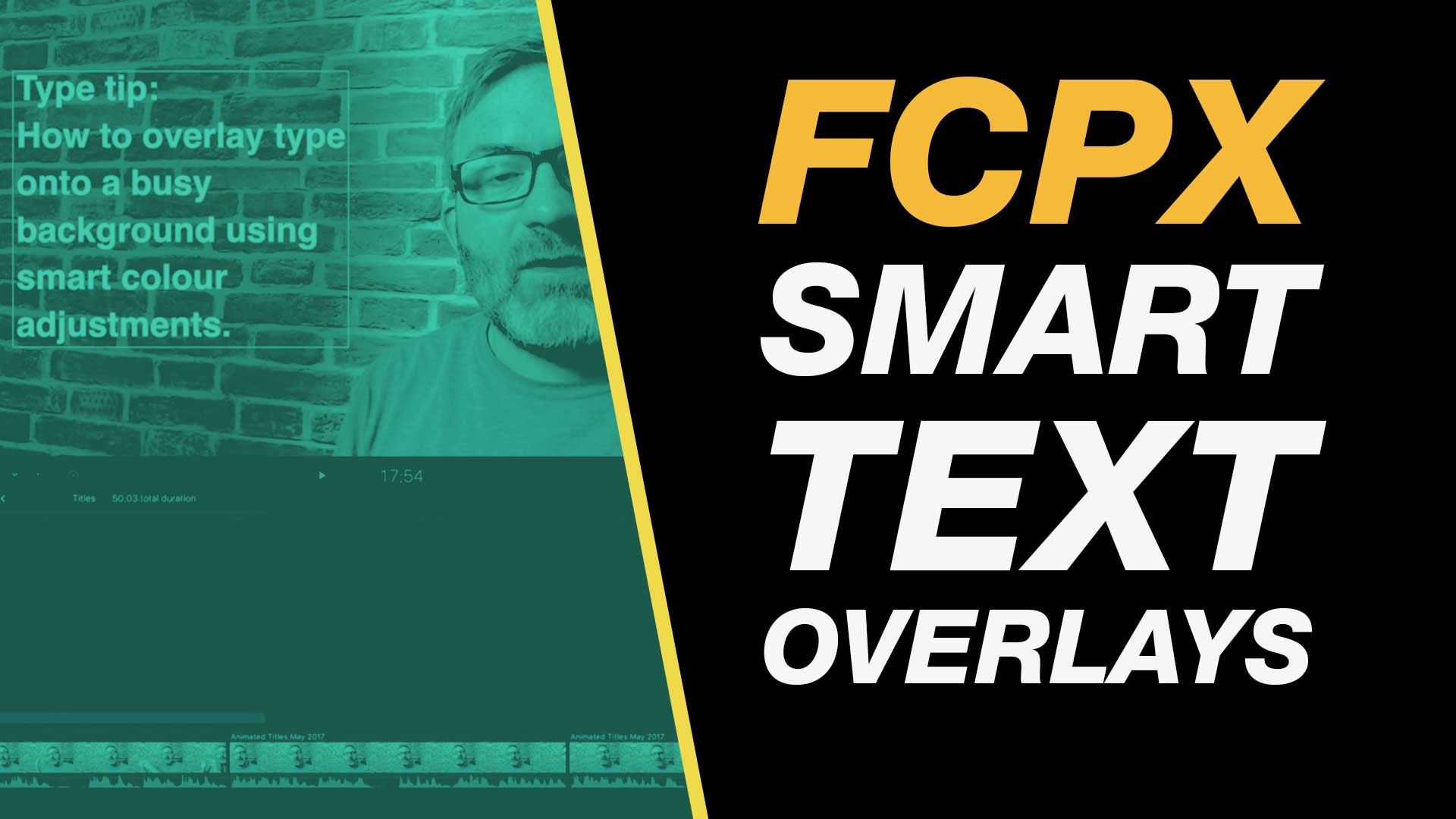
With a smart use of color correction you can place text over a busy background in Final Cut Pro X and still make it pop.
In this easy to follow Final Cut Pro X tutorial you will learn how to work with the color board, add text and work with color tints to create this useful effect.
This type tutorial class is definitely useful for anyone needing to overlay text on their video.
About My Final Cut Pro X Tutorials
My Final Cut Pro X help tutorials aim to answer the tricky questions that users come across everyday. These are great classes if you want to learn Final Cut Pro X and each lesson or tip will guide you through in easy to follow steps.
If you are a beginner looking for tutorials in Final Cut Pro X take a look at my free introductory lesson “Final Cut Pro X Beginner Tutorial : Import, Edit & Export in 25 Minutes” which will get you started. This basic tutorial gives you a full run through of how to what you need to know in order to edit videos.
About My Live Online Training & In Classroom Training
I am a professional trainer of Final Cut Pro X, Adobe Premiere Pro, Adobe Photoshop, Adobe InDesign, Adobe Acrobat Pro & Adobe Illustrator.
I regularly teach classes in Regina and across Saskatchewan as well as running live online workshops. If you’d like to find out more then please drop me a message design@benhalsall.com or visit my web-site www.benhalsall.com .
Tags:
Make speed changes in Final Cut Pro X, Speed up Titles, Using Markers in Final Cut Pro X, Working with Markers, Final Cut Pro X tutorial, Final Cut Pro X Beginner Tutorial, Chapter Markers in FCPX, Ways to view audio clips – Apple FCPX, Adjust Timeline Settings – Waveforms – FCPX, Waveform Size in Timeline, Audio Editing in Final Cut Pro X, View Audio Waveform in Final Cut Pro X, View Waveform in FCPX,size of audio waveforms, Removing Lens Dirt & Dust, Dust Spot Removal in Final Cut Pro X, Fix Camera Spot, Garbage Matte Tutorial, Remove Dust and Dirt form Camera Shot, Connected Clips Tutorial, Layers tutorial for Final Cut Pro X, Mange Your Timeline in Final Cut Pro X, Connected Clips in Final Cut Pro X, Final Cut Pro X Beginner Tutorial, Beginner Lesson for Final Cut Pro X, Learn Final Cut Pro X for Beginners, Final Cut Pro X: An Beginner’s Introduction, The Beginners Guide to Learning FCPX | Ben Halsall, Final Cut Pro – Basics Training – Ben Halsall, Final Cut Pro X Essentials, Final Cut Pro X 101, fcpx tutorials for beginners, final cut pro beginner, final cut 7 tutorial beginner, final cut pro 7 tutorial beginner,fcpx tutorial free download,youtube final cut ben halsall, final cut pro basics, final cut pro basics 2015,final cut pro basics 2016,final cut pro basics 2017,final cut pro basics 2018,final cut pro basics 2019, final cut pro basics 2020,fcpx basics, final cut pro video tutorials,fcpx tutorial free download,final cut pro tutorial youtube,final cut pro 10 basics,how to use final cut pro 10,fcp 10 basic tutorial,fcpx tutorial pdf, final cut pro tutorials for beginners,final cut pro 7 basics,final cut pro 10 export,final cut pro 10 for windows,final cut pro 10 free download,final cut pro 7 tutorial beginner,youtube final cut pink floyd,final cut pro basics 2015, final cut pro intro, final cut pro x intro, final cut pro introduction, final cut pro x introduction, freeze frames in final cut pro x, speed change, speed ramp, working with titles, smart type overlays, overlay type in final cut pro x, overlay type using smart colour adjustment
In this intense one day class you will learn the essential technical and creative skills you will need to develop in order to create your own YouTube channel.
By the end of the day you will have an excellent grounding in the hardware, software and creative skills you will need to launch a successful YouTube channel.
This class is aimed at freelance professionals wishing to promote their business or product by taking a hands on approach to creating video that can be uploaded and used on YouTube and other channels like Facebook, Twitter, Instagram and Vimeo.
An intermediate to advanced understanding of the Windows or Mac operating system is required to take this class.
Getting Started
Introduction to YouTube & the Tools You Will Need
Introduction to Creator Studio – YouTube’s publishing platform
Cameras, Sound, Computers & Editing Software – An Overview of the Equipment You Will Need
The Production Process
Group Activity – Planning, Shooting & Editing a Channel Intro Video
Shooting Your Video – Hands on Activity
Camera Tips – Framing & Planning Your Shots
Working with Sound – Getting Good Quality Sound on a Budget
Capturing Your Footage to Your Computer
Editing Your Footage with iMovie, Premiere Elements, Premiere Pro or Final Cut Pro X
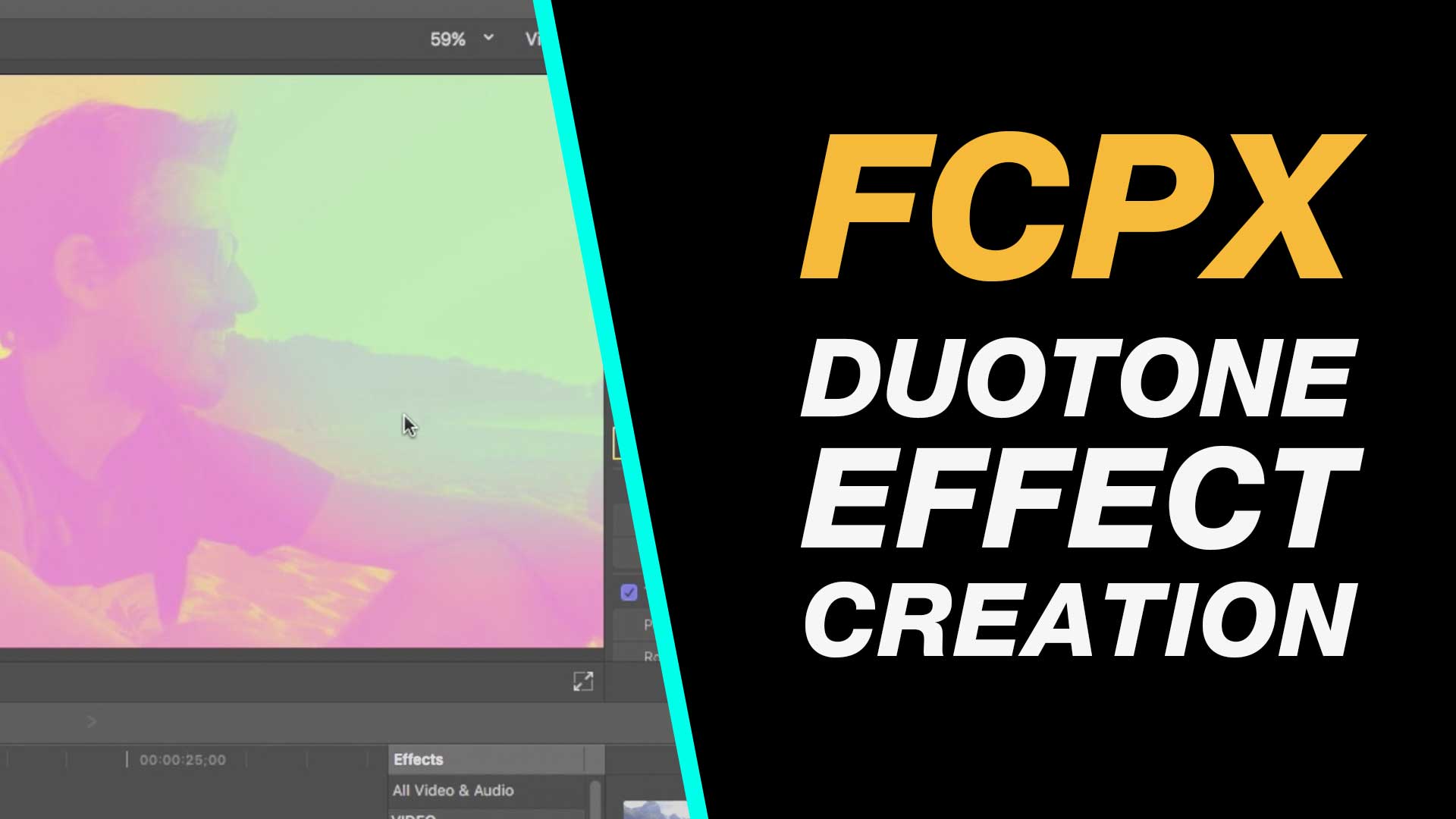
Create this cool duotone effect in Final Cut Pro X using built in effects, layer blending and learn how to apply effects to multiple clips quickly and easily. This easy to follow tutorial will guide you step-by-step through the process of creating a stylish look for your video.
My Final Cut Pro X help tutorials aim to answer the tricky questions that users come across everyday. These are great classes if you want to learn Final Cut Pro X and each lesson or tip will guide you through in easy to follow steps.
If you are a beginner looking for tutorials in Final Cut Pro X take a look at my free introductory lesson “Final Cut Pro X Beginner Tutorial : Import, Edit & Export in 25 Minutes” which will get you started. This basic tutorial gives you a full run through of how to what you need to know in order to edit videos.
About My Live Online Training & In Classroom Training
I am a professional trainer of Final Cut Pro X, Adobe Premiere Pro, Adobe Photoshop, Adobe InDesign, Adobe Acrobat Pro & Adobe Illustrator.
I regularly teach classes in Regina and across Saskatchewan as well as running live online workshops. If you’d like to find out more then please drop me a message design@benhalsall.com or visit my web-site www.benhalsall.com .
Tags:
Missing timeline clips fcpx, solving missing clips problem in final cut pro x, my clips are missing from timeline in final cut pro x, Make speed changes in Final Cut Pro X, Speed up Titles, Using Markers in Final Cut Pro X, Working with Markers, Final Cut Pro X tutorial, Final Cut Pro X Beginner Tutorial, Chapter Markers in FCPX, Ways to view audio clips – Apple FCPX, Adjust Timeline Settings – Waveforms – FCPX, Waveform Size in Timeline, Audio Editing in Final Cut Pro X, View Audio Waveform in Final Cut Pro X, View Waveform in FCPX,size of audio waveforms, Removing Lens Dirt & Dust, Dust Spot Removal in Final Cut Pro X, Fix Camera Spot, Garbage Matte Tutorial, Remove Dust and Dirt form Camera Shot, Connected Clips Tutorial, Layers tutorial for Final Cut Pro X, Mange Your Timeline in Final Cut Pro X, Connected Clips in Final Cut Pro X, Final Cut Pro X Beginner Tutorial, Beginner Lesson for Final Cut Pro X, Learn Final Cut Pro X for Beginners, Final Cut Pro X: An Beginner’s Introduction, The Beginners Guide to Learning FCPX | Ben Halsall, Final Cut Pro – Basics Training – Ben Halsall, Final Cut Pro X Essentials, Final Cut Pro X 101, fcpx tutorials for beginners, final cut pro beginner, final cut 7 tutorial beginner, final cut pro 7 tutorial beginner,fcpx tutorial free download,youtube final cut ben halsall, final cut pro basics, final cut pro basics 2015,final cut pro basics 2016,final cut pro basics 2017,final cut pro basics 2018,final cut pro basics 2019, final cut pro basics 2020,fcpx basics, final cut pro video tutorials,fcpx tutorial free download,final cut pro tutorial youtube,final cut pro 10 basics,how to use final cut pro 10,fcp 10 basic tutorial,fcpx tutorial pdf, final cut pro tutorials for beginners,final cut pro 7 basics,final cut pro 10 export,final cut pro 10 for windows,final cut pro 10 free download,final cut pro 7 tutorial beginner,youtube final cut pink floyd,final cut pro basics 2015, final cut pro intro, final cut pro x intro, final cut pro introduction, final cut pro x introduction, freeze frames in final cut pro x, speed change, speed ramp, working with titles, smart type overlays, overlay type in final cut pro x, overlay type using smart colour adjustment, split screen in final cut pro x, create split screen, copy and paste attributes, stop motion animation, timelapse animation, frame duration in final cut pro x, change frame duration in final cut pro x, final cut pro x beginner tutorial, add effects in final cut pro x, transitions in final cut pro, control transition duration, precision control of transition length, controlling transition length in fcpx, create square video in final cut pro x, create square video in fcpx, custom video resolution, create 1080 x 1080 video for instagram, create hi def square video in final cut pro x, final cut pro x tutorial, final cut pro x beginner tutorial, drag and drop editing, editing in final cut pro x, essential editing in final cut pro x, drag & drop editing, modify clips on the timeline, create a duotone in final cut pro x, duotone in fcpx, color effect in final cut pro x, final cut pro x 10.3 beginner tutorial
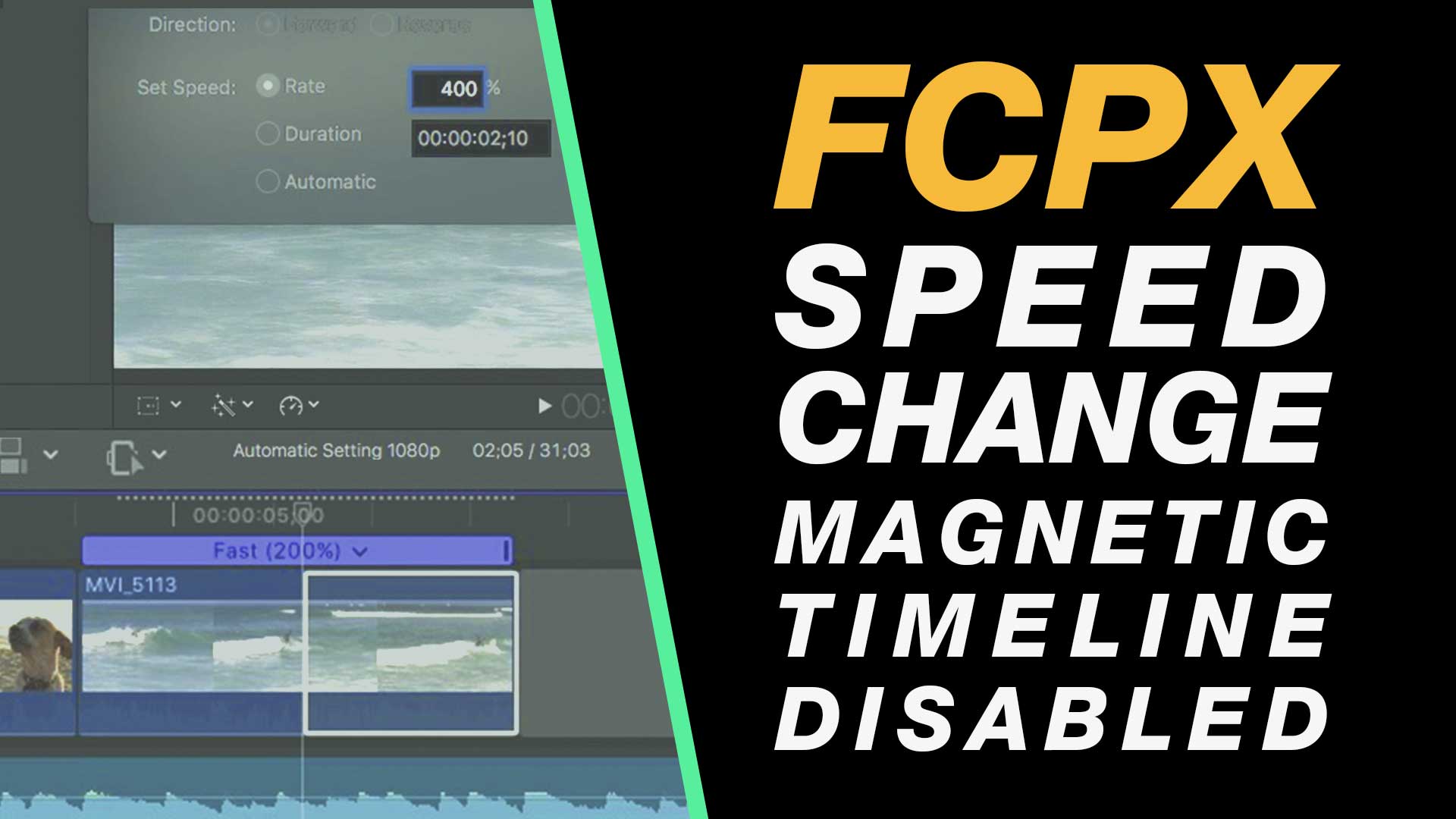
In this tutorial we look at two methods of making speed changes without affecting your entire edit. Essentially you will temporarily disable or sidestep the effects of the magnetic timeline so that you do not lose the timing and synchronisation of subsequent clips.
My Final Cut Pro X help tutorials aim to answer the tricky questions that users come across everyday. These are great classes if you want to learn Final Cut Pro X and each lesson or tip will guide you through in easy to follow steps.
If you are a beginner looking for tutorials in Final Cut Pro X take a look at my free introductory lesson “Final Cut Pro X Beginner Tutorial : Import, Edit & Export in 25 Minutes” which will get you started. This basic tutorial gives you a full run through of how to what you need to know in order to edit videos.
About My Live Online Training & In Classroom Training
I am a professional trainer of Final Cut Pro X, Adobe Premiere Pro, Adobe Photoshop, Adobe InDesign, Adobe Acrobat Pro & Adobe Illustrator.
I regularly teach classes in Regina and across Saskatchewan as well as running live online workshops. If you’d like to find out more then please drop me a message design@benhalsall.com or visit my web-site www.benhalsall.com .
Tags:
Missing timeline clips fcpx, solving missing clips problem in final cut pro x, my clips are missing from timeline in final cut pro x, Make speed changes in Final Cut Pro X, Speed up Titles, Using Markers in Final Cut Pro X, Working with Markers, Final Cut Pro X tutorial, Final Cut Pro X Beginner Tutorial, Chapter Markers in FCPX, Ways to view audio clips – Apple FCPX, Adjust Timeline Settings – Waveforms – FCPX, Waveform Size in Timeline, Audio Editing in Final Cut Pro X, View Audio Waveform in Final Cut Pro X, View Waveform in FCPX,size of audio waveforms, Removing Lens Dirt & Dust, Dust Spot Removal in Final Cut Pro X, Fix Camera Spot, Garbage Matte Tutorial, Remove Dust and Dirt form Camera Shot, Connected Clips Tutorial, Layers tutorial for Final Cut Pro X, Mange Your Timeline in Final Cut Pro X, Connected Clips in Final Cut Pro X, Final Cut Pro X Beginner Tutorial, Beginner Lesson for Final Cut Pro X, Learn Final Cut Pro X for Beginners, Final Cut Pro X: An Beginner’s Introduction, The Beginners Guide to Learning FCPX | Ben Halsall, Final Cut Pro – Basics Training – Ben Halsall, Final Cut Pro X Essentials, Final Cut Pro X 101, fcpx tutorials for beginners, final cut pro beginner, final cut 7 tutorial beginner, final cut pro 7 tutorial beginner,fcpx tutorial free download,youtube final cut ben halsall, final cut pro basics, final cut pro basics 2015,final cut pro basics 2016,final cut pro basics 2017,final cut pro basics 2018,final cut pro basics 2019, final cut pro basics 2020,fcpx basics, final cut pro video tutorials,fcpx tutorial free download,final cut pro tutorial youtube,final cut pro 10 basics,how to use final cut pro 10,fcp 10 basic tutorial,fcpx tutorial pdf, final cut pro tutorials for beginners,final cut pro 7 basics,final cut pro 10 export,final cut pro 10 for windows,final cut pro 10 free download,final cut pro 7 tutorial beginner,youtube final cut pink floyd,final cut pro basics 2015, final cut pro intro, final cut pro x intro, final cut pro introduction, final cut pro x introduction, freeze frames in final cut pro x, speed change, speed ramp, working with titles, smart type overlays, overlay type in final cut pro x, overlay type using smart colour adjustment, split screen in final cut pro x, create split screen, copy and paste attributes, stop motion animation, timelapse animation, frame duration in final cut pro x, change frame duration in final cut pro x, final cut pro x beginner tutorial, add effects in final cut pro x, transitions in final cut pro, control transition duration, precision control of transition length, controlling transition length in fcpx, create square video in final cut pro x, create square video in fcpx, custom video resolution, create 1080 x 1080 video for instagram, create hi def square video in final cut pro x, final cut pro x tutorial, final cut pro x beginner tutorial, drag and drop editing, editing in final cut pro x, essential editing in final cut pro x, drag & drop editing, modify clips on the timeline, speed changes in final cut pro x, speed change without changing edit, controlled speed changes in fcpx, speed change in final cut pro x